Budget Planner App
Vibe Coded Budget Planner App
There are a number of options for starting with an AI generated Application, with all the Instant AI App Generators like Google's App Studio able to provide a great starting point. Although currently Professional Developers tend to use Cursor, Claude Code or Codex as their day-to-day tools of choice.
Use GitHub Copilot when creating a new Repository
If you're using GitHub Copilot you can also use it to generate a new App from the React Static template :
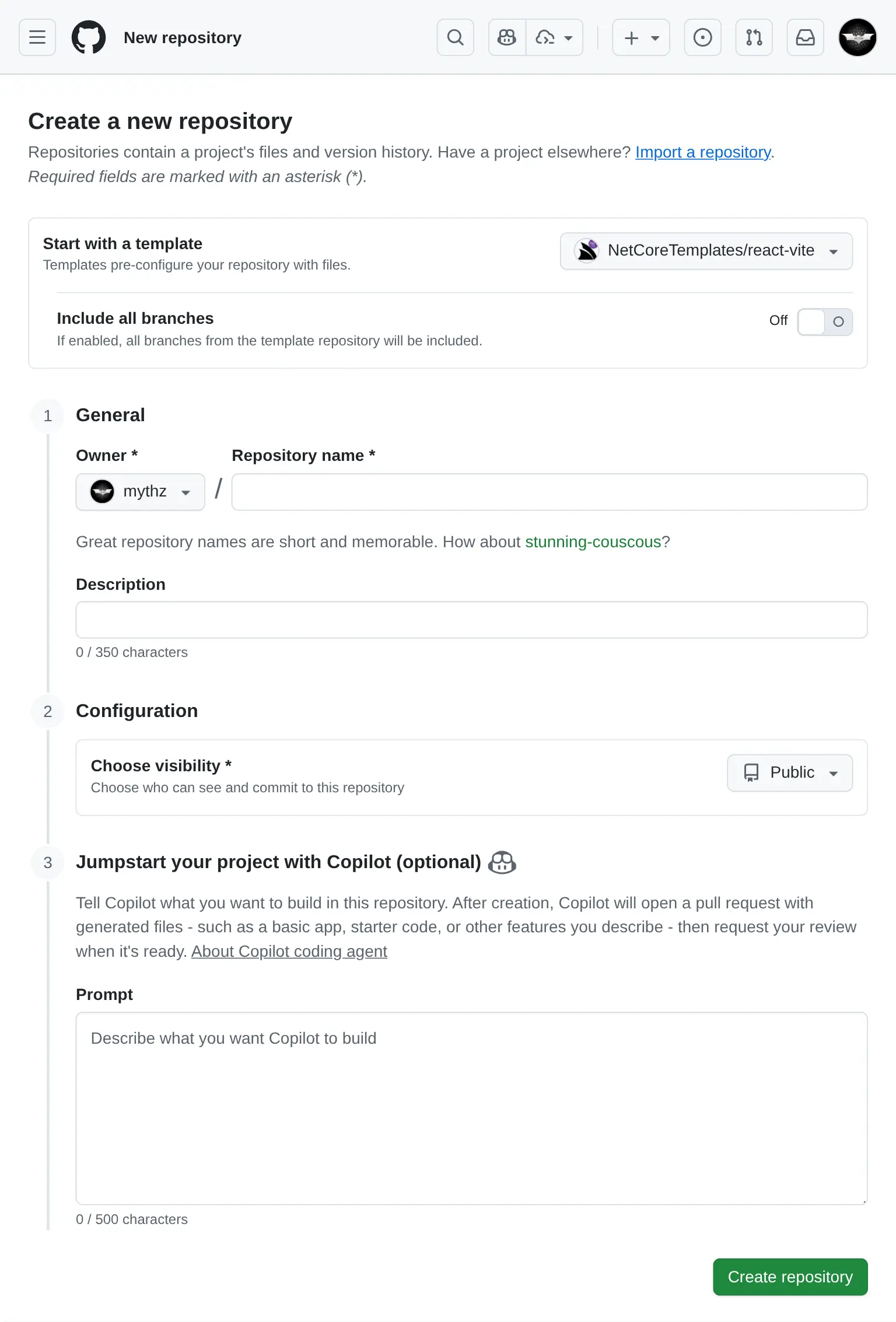
For the example, I've started with a useful App that I've never created before, a Budget Planner App, using the prompt:
Budget Planner Prompt
- React 19, TypeScript, TailwindCSS v4
- Persistence in IndexedDB/localStorage
- Recharts
- Vitest with React Testing Library

## Features
Dashboard
- Overview of total income, expenses, and remaining budget
- Monthly summary chart (line graph)
- Expense categories (pie chart)

Transactions
- Add/Edit/Delete income or expenses
- Date filtering/sorting

Budgets
- Set monthly budget goals per category
- Progress bars for spending vs. budget

Reports
- View past months
- Export
The generated source code for the App was uploaded to: github.com/mythz/budgets.apps.cafe
Budgent Planner App
After a few minutes Copilot creates a PR with what we asked for, even things that we didn't specify in the prompt but could be inferred from the Project Template like Dark Mode support where it made use of the existing <DarkModeToggle />.
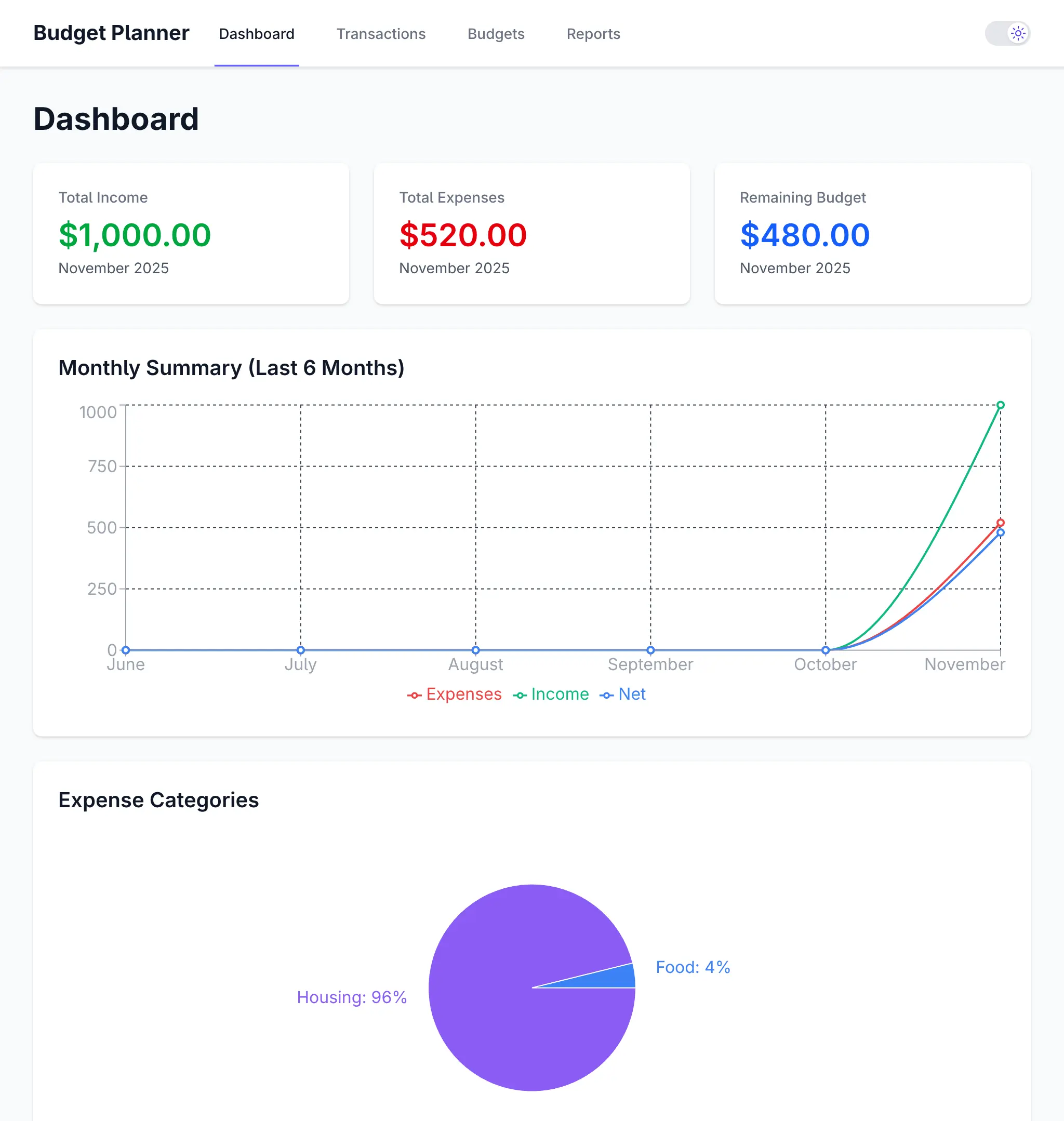
Dashboard
Click to view full size
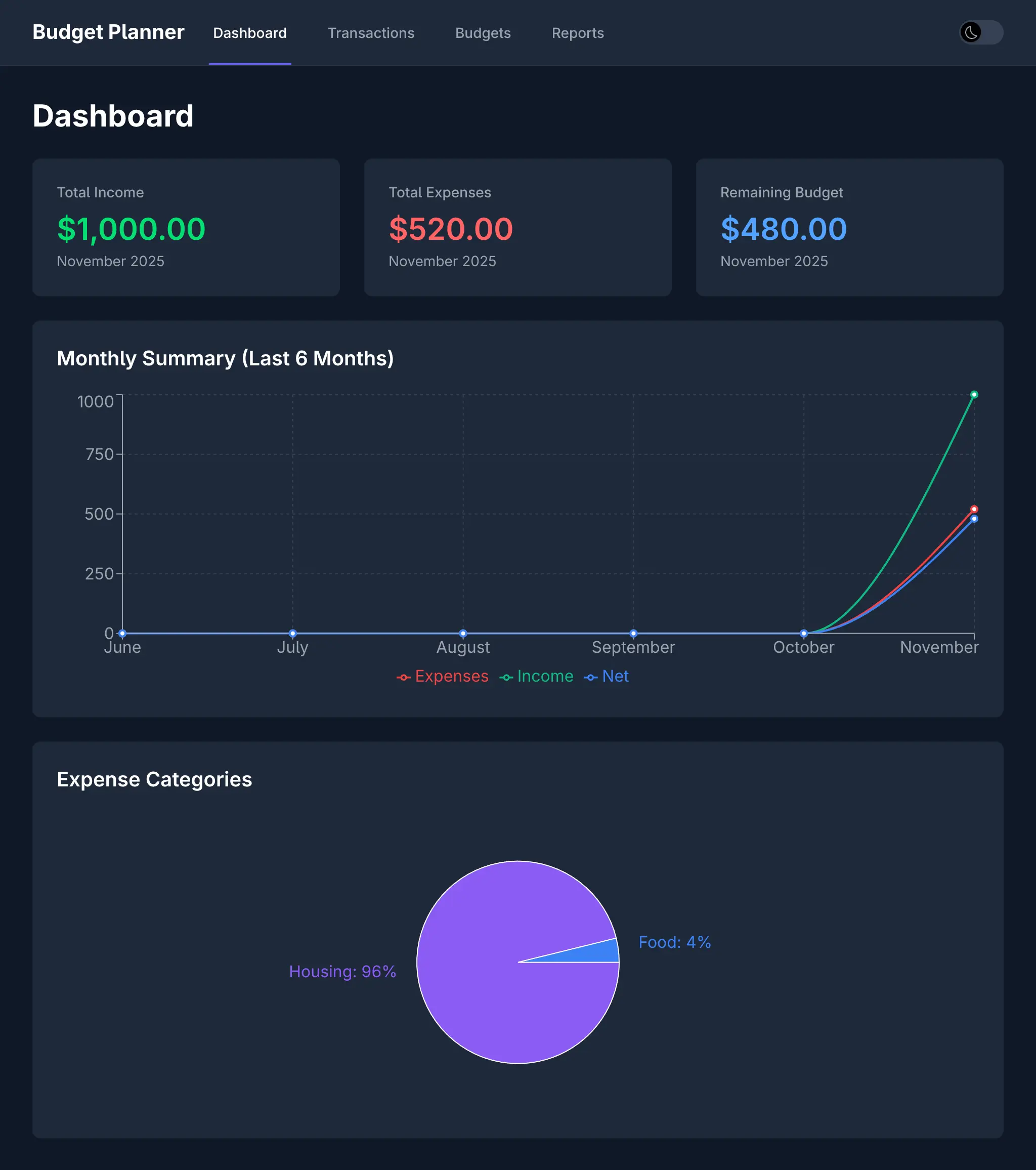
Dashboard - Dark Mode
Click to view full size
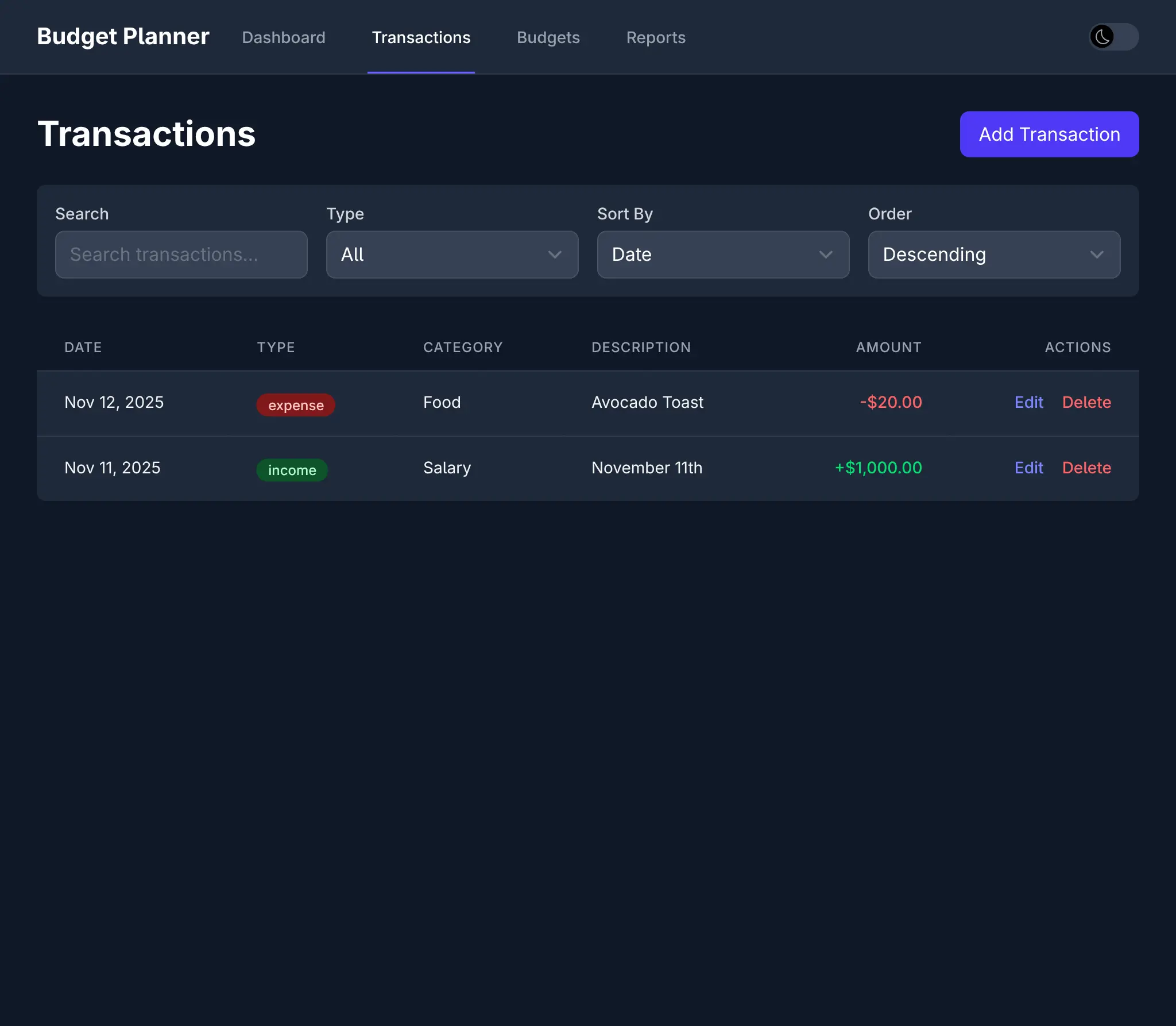
Transactions List - Dark Mode
Click to view full size
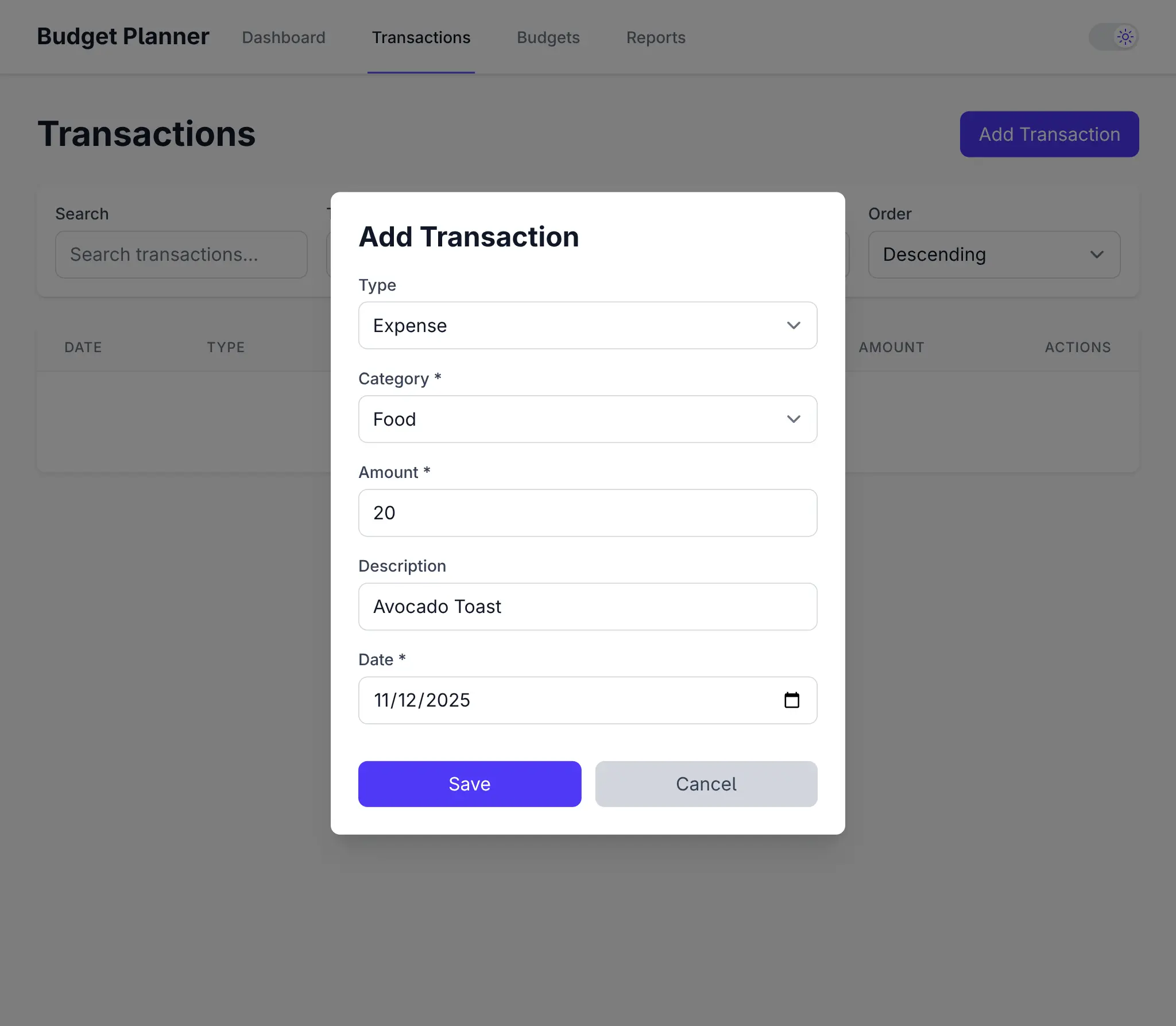
Transactions - Add Expense
Click to view full size

Transactions - Add Expense - Dark Mode
Click to view full size
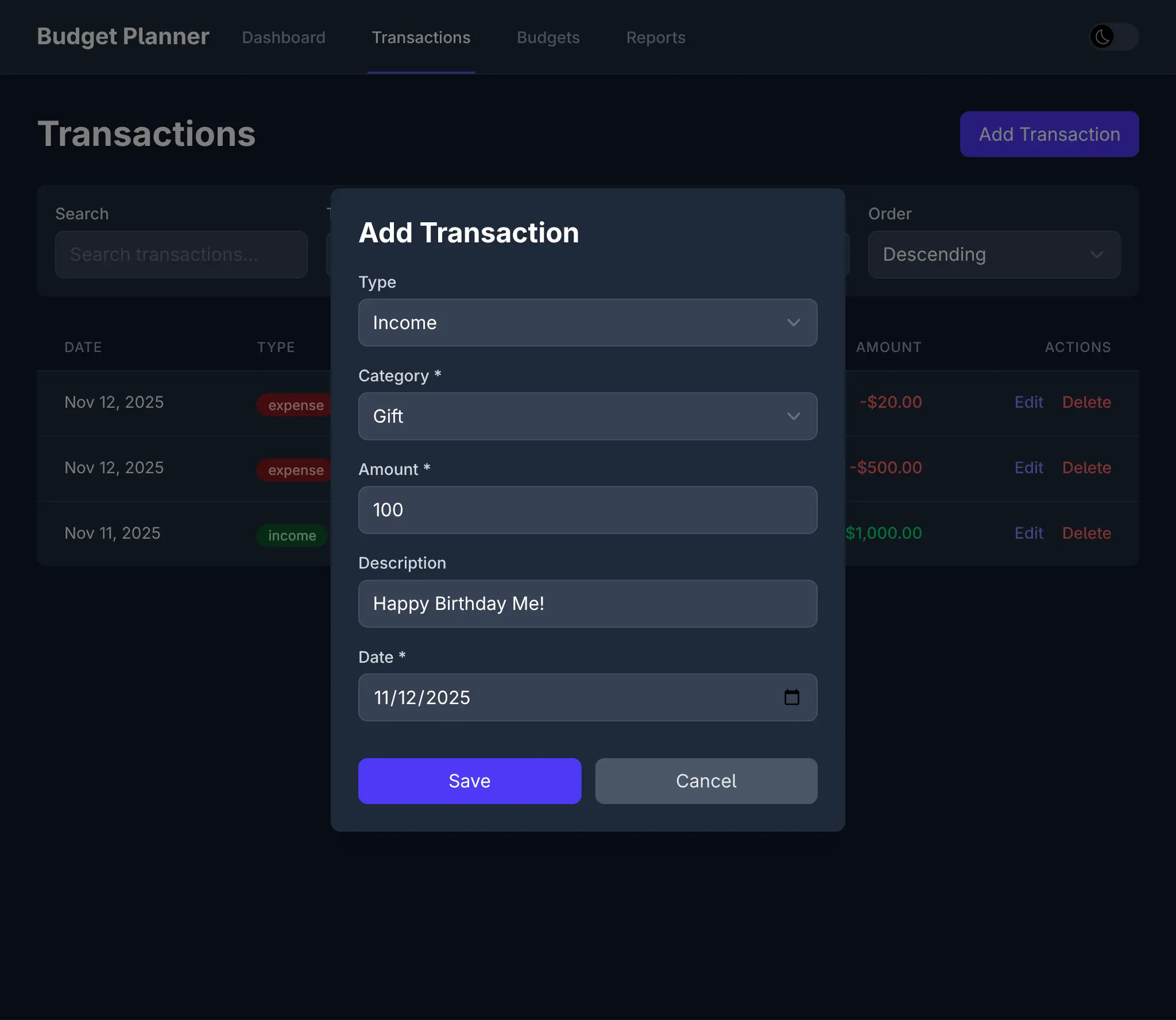
Transactions - Add Income - Dark Mode
Click to view full size
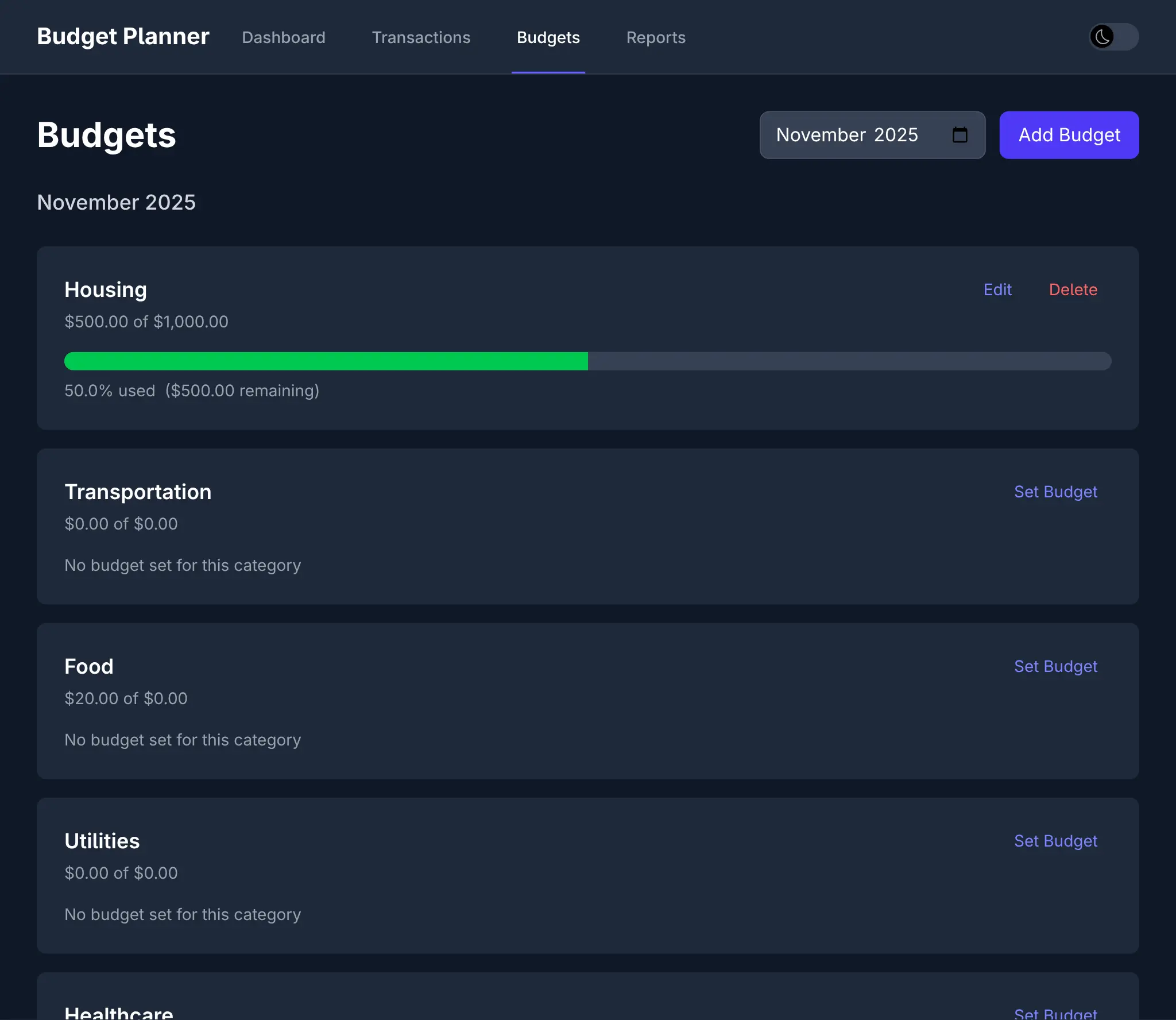
Budgets - Dark Mode
Click to view full size
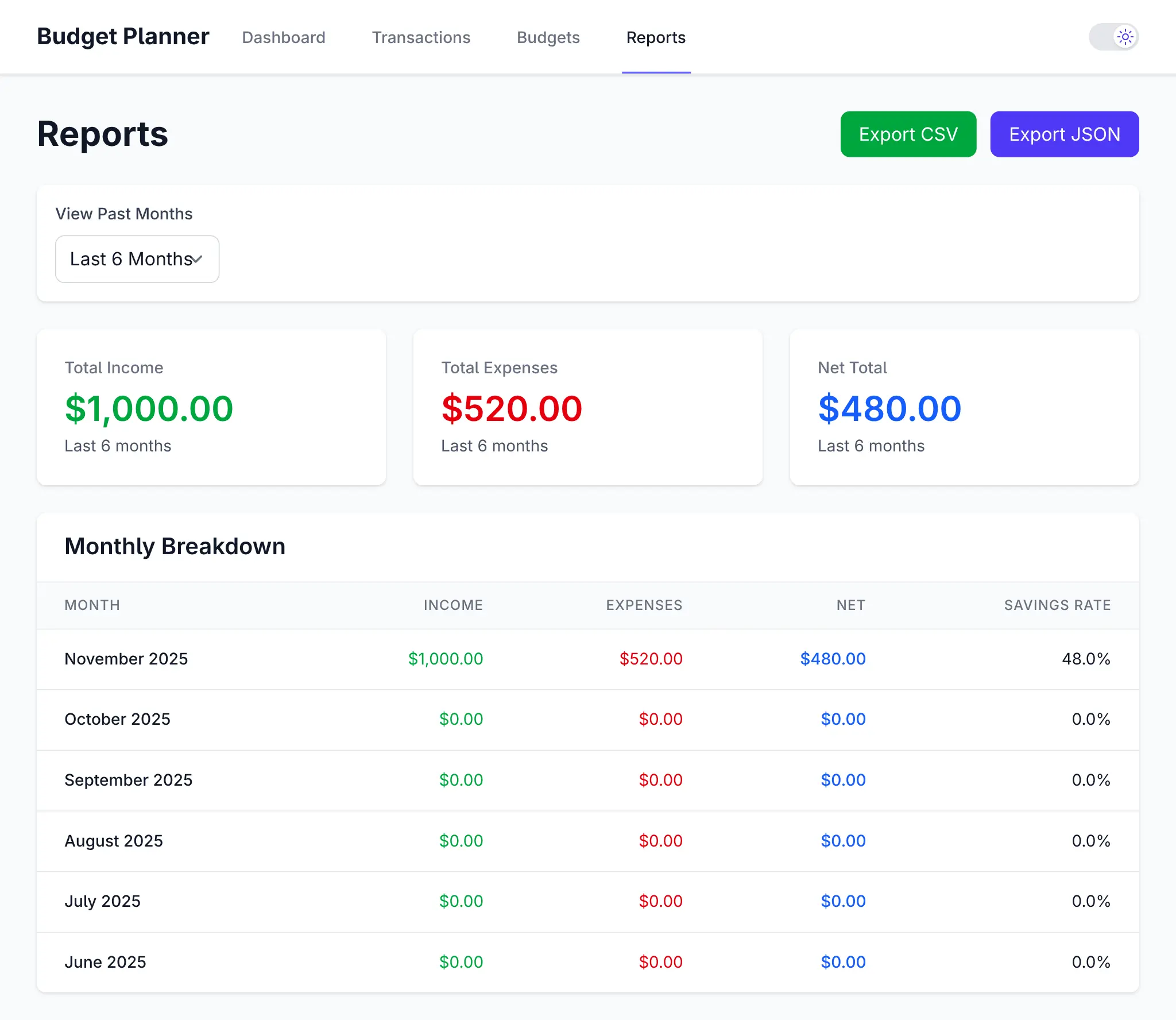
Reports
Click to view full size
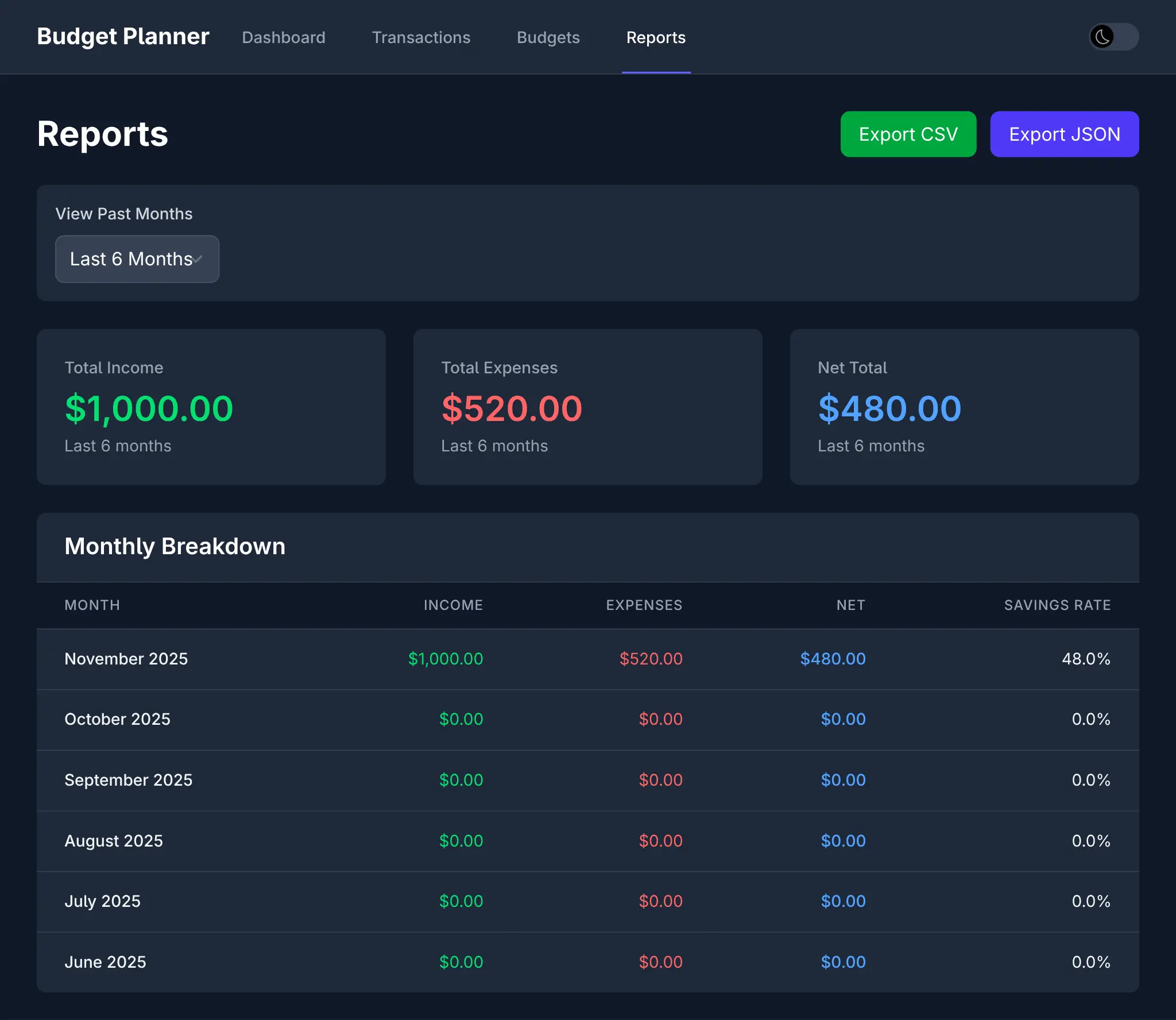
Reports - Dark Mode
Click to view full size
Prompt AI to add new Features
AI Assistance doesn't end after the initial implementation as AI Models and tools are more than capable to create 100% of the React UI now, including new features, fixes and other improvements. For this example I used Claude Code to Implement Category Auto-Tagging with this prompt:
Implement Category Auto-Tagging
Allow specifying tags when creating a new transaction. When users add a transaction, try to predict the tag from the Description, e.g:
Input: “Starbucks latte” → Suggests category: Food & Drinks Input: “Uber to work” → Suggests category: Transport
Implementation:
Maintain a small local list of common keywords + categories. Pre-fill category in the transaction form as the user types in the Description.
Which resulted in this commit which sees the feature available in the UI:

Along with different seed data, tailored for Income and Expenses:
And 19 passing tests to verify a working implementation:
Combined with Vite's instant hot-reload, this creates a remarkably fluid development experience where we get to watch our prompts materialize into working features in real-time.