Rewrite Legacy UIs with AI
Rewriting legacy UIs on modern AI-First stacks are now cheaper and faster than traditional development.
Software Development has reached an inflection point where AI Models and tools are now good enough to rebuild complete application UIs in hours, not months. This fundamentally changes the economics of modernizing legacy applications where for many legacy frontends, it’s finally cheaper to rewrite than to keep refactoring legacy code bases.
The Legacy UI Problem
Like old buildings, legacy UIs accumulate years of technical debt that makes renovation increasingly expensive:
- Layers of workarounds - Code built on top of framework limitations that no longer exist
- Outdated patterns - Solutions to problems that modern frameworks solve elegantly out-of-the-box
- Dependency hell - Ancient package versions with security vulnerabilities and incompatible upgrades
- Framework quirks - Intimate knowledge required of deprecated APIs and edge cases
- Integration friction - Every new feature must navigate the minefield of existing code
Traditional renovation means dealing with all these nuances. Each new feature requires understanding why things were done a certain way, working around old limitations, and maintaining compatibility with outdated patterns. It's like trying to add a second floor to your house whilst still living in it, technically possible, but an expensive, delicate, and compromised endeavor that's rarely done.
AI-First Development Changes Everything
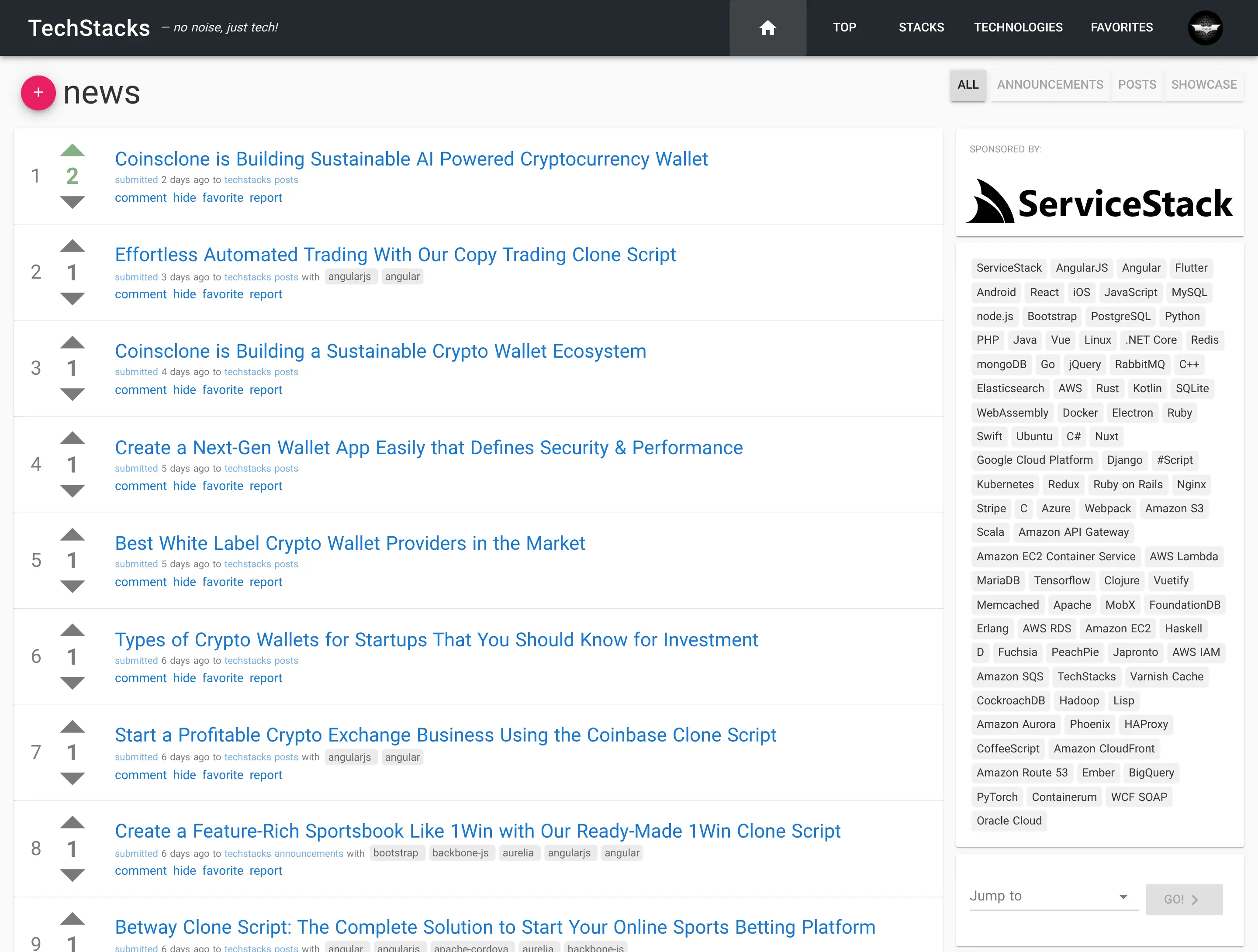
Old Home
Click to view full size
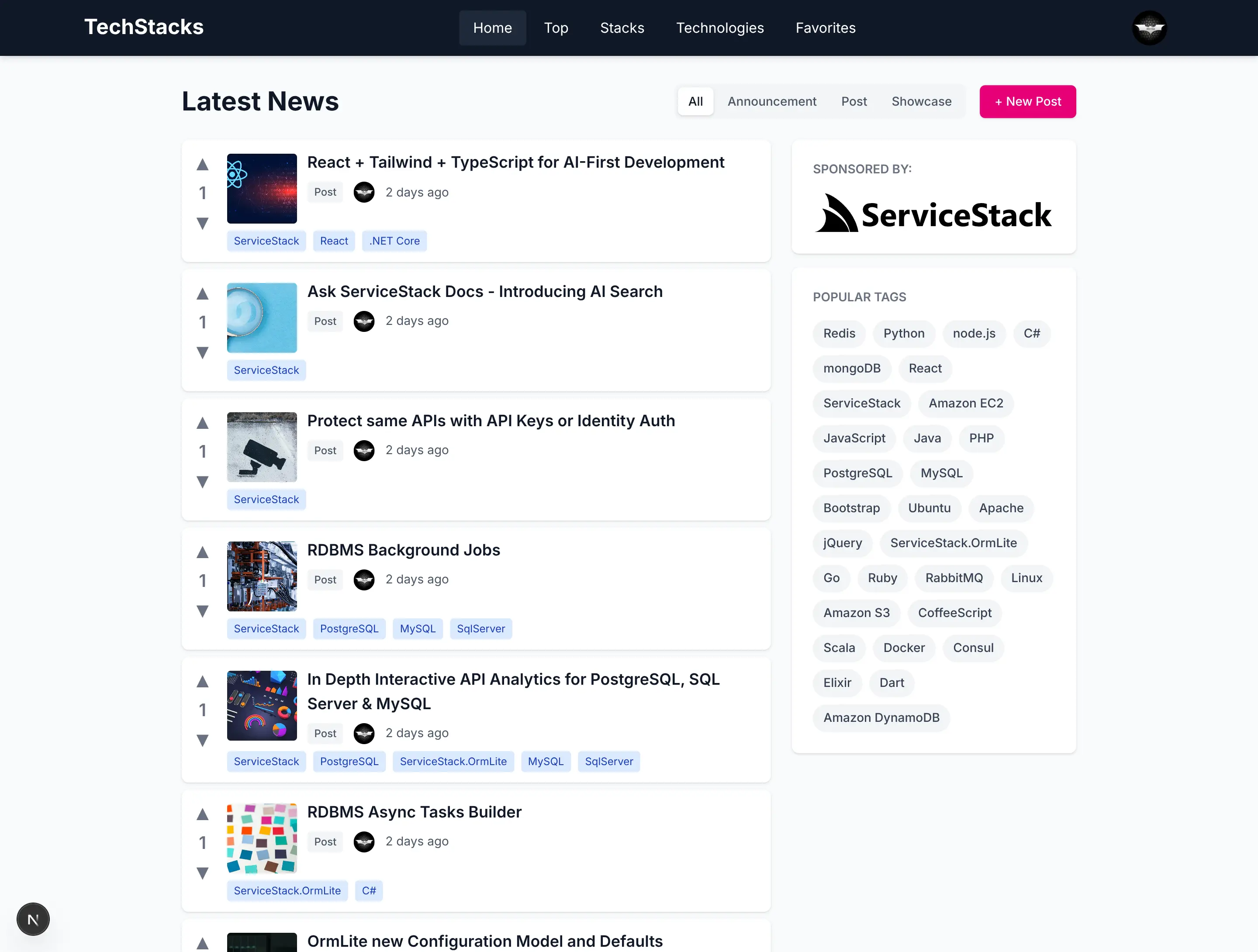
New Home
Click to view full size
Modern AI models have transformed UI development from a time-intensive rewrite into a rapid transformation process. By utilizing an AI-first development approach (aka Vibe Coding) we can now leverage existing codebases as detailed specifications they can use as a blueprint, telling them exactly what to build.
Something AI Models excel at is code transformations, they are remarkable at understanding the intent of code and transforming code from one framework to another, a perfect fit for rewriting legacy UIs.
Context is King
With AI code generation, the more details and context you provide, the closer the output matches your intent. With existing code-bases there is no ambiguity, the AI gets to know exactly what features it needs to build and how they work.
What Makes This Possible
The key insight is that your existing codebase is the perfect specification as Legacy UIs already define:
- All features and functionality
- User interactions and workflows
- Data structures and API contracts
- Edge cases and business logic
- Visual layouts and component hierarchy
With just an existing code-base and a detailed migration plan, AI models can translate it to modern frameworks with remarkable accuracy to 90% completion in minutes, whilst you can Vibe Code the rest to get it over the line.
What Framework to Choose?
Up until now, the framework to choose was mostly up to developers personal preferences; in our case we preferred Vue, given its readability and progressive enhancement capabilities. But with an AI-first development model, you're no longer writing the code directly, your task becomes feeding AI Models text prompts and context on what features to implement, so it's more important to choose a framework that AI Models understand well. Currently, that's:
The Optimal Stack for AI Development
Through this process, we've identified the most effective technology stack for AI-assisted development:
- Next.js 16 - Modern React framework with excellent AI model familiarity
- React 19 - Component patterns that AI models understand deeply
- TypeScript - Type safety that helps AI generate correct code
- Tailwind CSS v4 - Utility-first styling that AI excels at composing
This stack represents the sweet spot where AI models have the most training data, the clearest patterns, and the best ability to generate cohesive, loosely coupled, high-quality code, and what was used for the new techstacks.io.
A Real-World Example: TechStacks
Whilst the TechStacks C# ServiceStack backend is over a decade old, its UI has undergone multiple migrations, with the last version rewritten 7 years ago.
- v1: Angular 1 + Bootstrap
- v2: Nuxt.js 1.4 + Vuetify 1
- v3: Next.js 16 + React 19 + Tailwindcss v4 (Vibe Coded UI / Preserved backend .NET APIs)
The previous migration from Angular 1 / Bootstrap to Nuxt.js / Vuetify was done over several weeks whilst the last AI completed migration to React / Tailwindcss was done within a couple of days.
The actual migration and Vibe coded walkthrough itself only took a few hours, as the majority of the time was spent moving the existing deployment from an AWS ECS / RDS setup to a much less expensive Hetzner + PostgreSQL setup, deployed using GitHub Actions and Kamal.
Migration Scope
This wasn't a trivial update. The migration involved:
- 20 pages with complex routing and dynamic content
- 23 components including complex forms and interactive elements
- Complete conversion from Vuetify/Bootstrap to React 19/Tailwindcss
- Migration from JavaScript to strict TypeScript
- Replaced Vuetify with Tailwind CSS + @servicestack/react components
- Implementation of modern patterns (Server Components, App Router)
Where to start:
- Create a detailed Migration Plan - It's vital for big migrations (and other large code generation tasks) to have a detailed plan of what needs to be done, how it will be done, and what the end result will be.
The Migration Prompt
As it's a vital part of AI Assisted development, most AI Tools have planning tools built-in, Since Anthropic gave out free credits to their Claude Code on the web we used it to create the Migration plan:
Create a detailed plan for completely rewriting this old Nuxt.js Vuetify website into a
new modern beautiful Next.js 16 Web App utilizing the existing C# ServiceStack back-end.

The entire UI can be erased to make way for a modern, visually stunning React 19,
TypeScript and Tailwindcss v4 App.

Use the existing Nuxt Vuetify pages to learn how to call its C# ServiceStack APIs with
the TypeScript JsonServiceClient and Typed DTOs in ./TechStacks/src/shared/dtos.ts.

Do not generate code, only generate a comprehensive detailed plan for how to rewrite
the UI layer for the existing C# back-end APIs. All Data is already available in the
existing C# APIs.
The result of which was the NEXTJS_MIGRATION_PLAN.md.
After reviewing the plan and making the necessary changes to match what you want to build it's time to execute the migration.
Executing the Migration
We took a copy of the existing Nuxt.js / Vuetify code-base with the migration plan and instructed Claude Code to execute the migration with the prompt:
Implement the NEXTJS_MIGRATION_PLAN.mdWith access to both the Migration Plan and existing code-base, Claude Code was able to generate the entire new Next.js UI within 10-20 minutes, for less than $10 (in free credits).
The initial AI-generated code wasn't perfect, but it generated an excellent starting point that converted most of the existing Nust/Vuetify implementation into a modern Next.js App, with its preferred project structure.
Vibe Code the rest
The most time consuming part of the mgiration is walking through the entire Application, in tandem with your existing App to test that everything functions as it did before. Fortunately you never need to take the reins to get it over the line, as now that we have a modern AI-friendly Next.js/React/Tailwind UI we can just use Vibe Coding to prompt the AI Models to implement any missing features or fix any issues that you find along the way.
If this is your first time using AI Models for all development, it can seem like unrealistic magic from the future. But not only is it possible, it's the most productive development model we've ever experienced, and is all likely to be the future of software development.
Old vs New UI
Here's a sample set of screenshots of the old vs new UIs:
Old Home
Click to view full size
New Home
Click to view full size
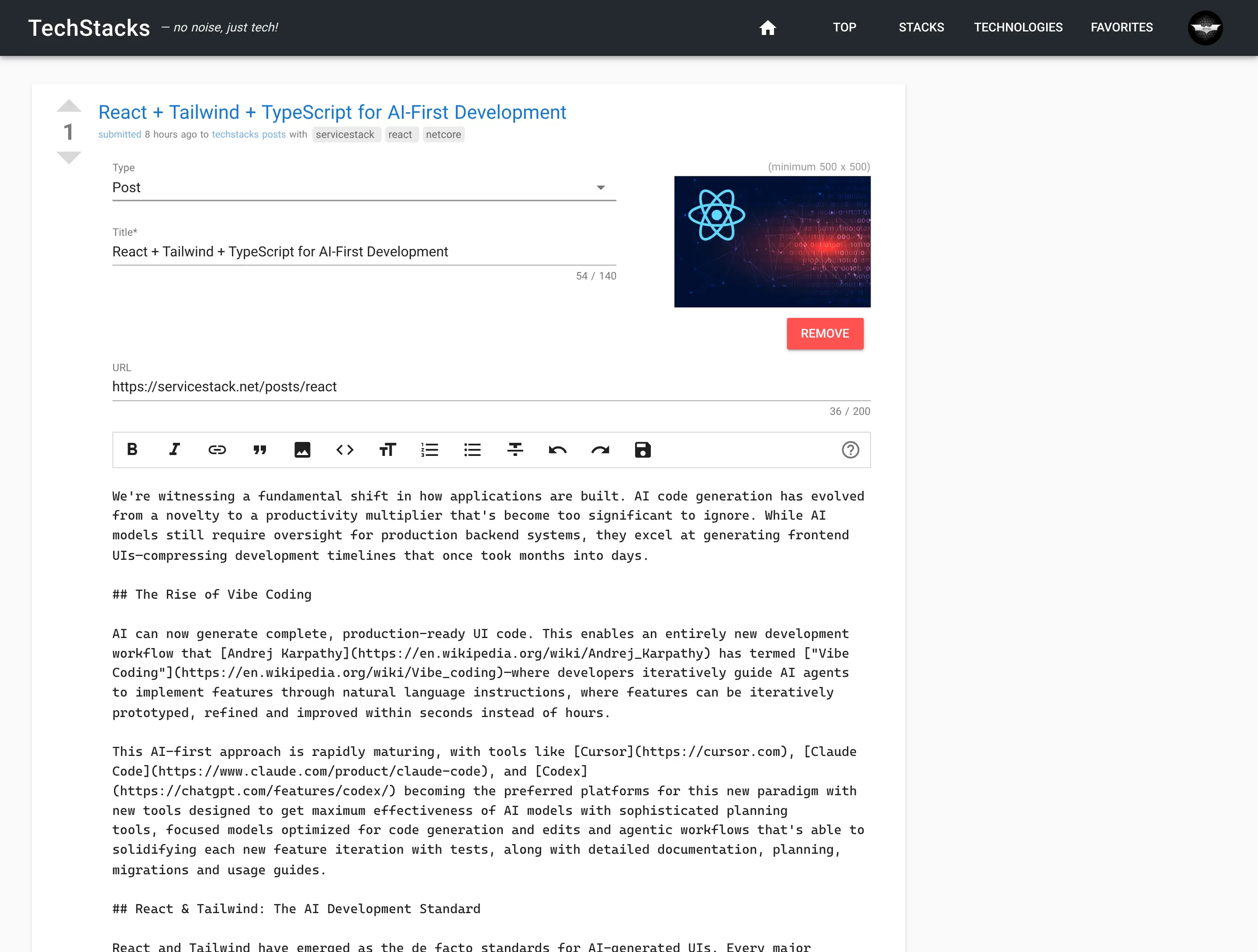
Old Edit Post
Click to view full size
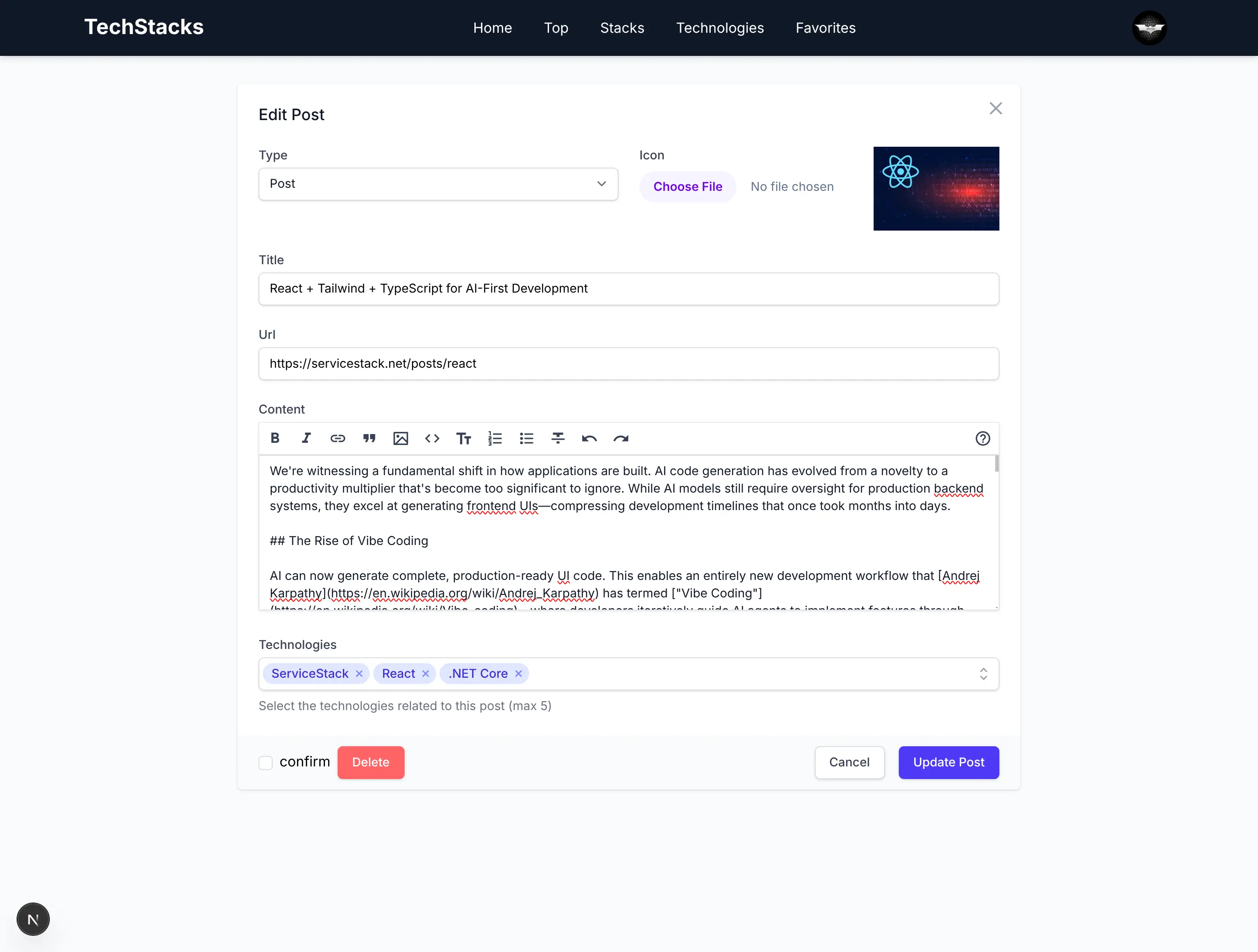
New Edit Post
Click to view full size
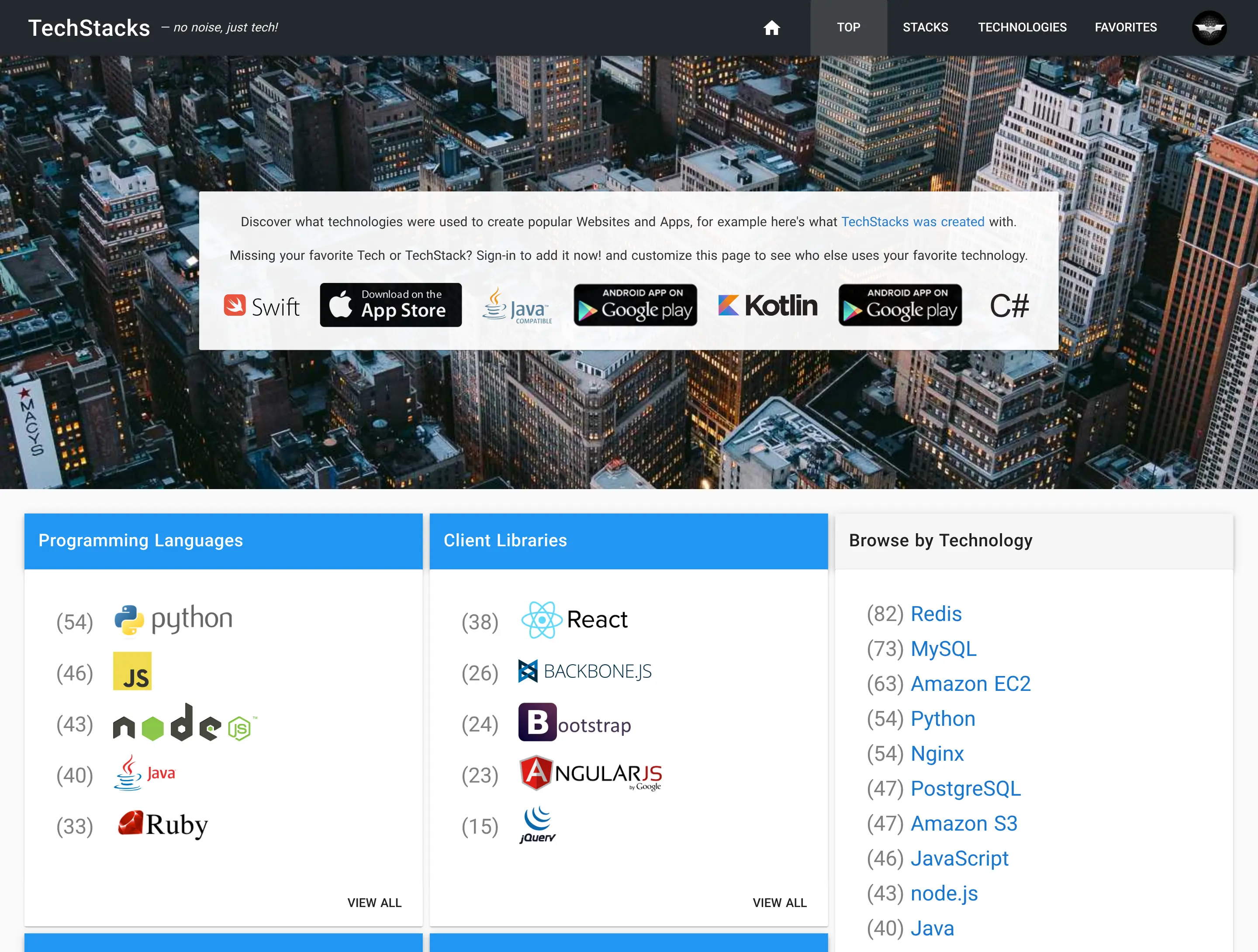
Old Top
Click to view full size
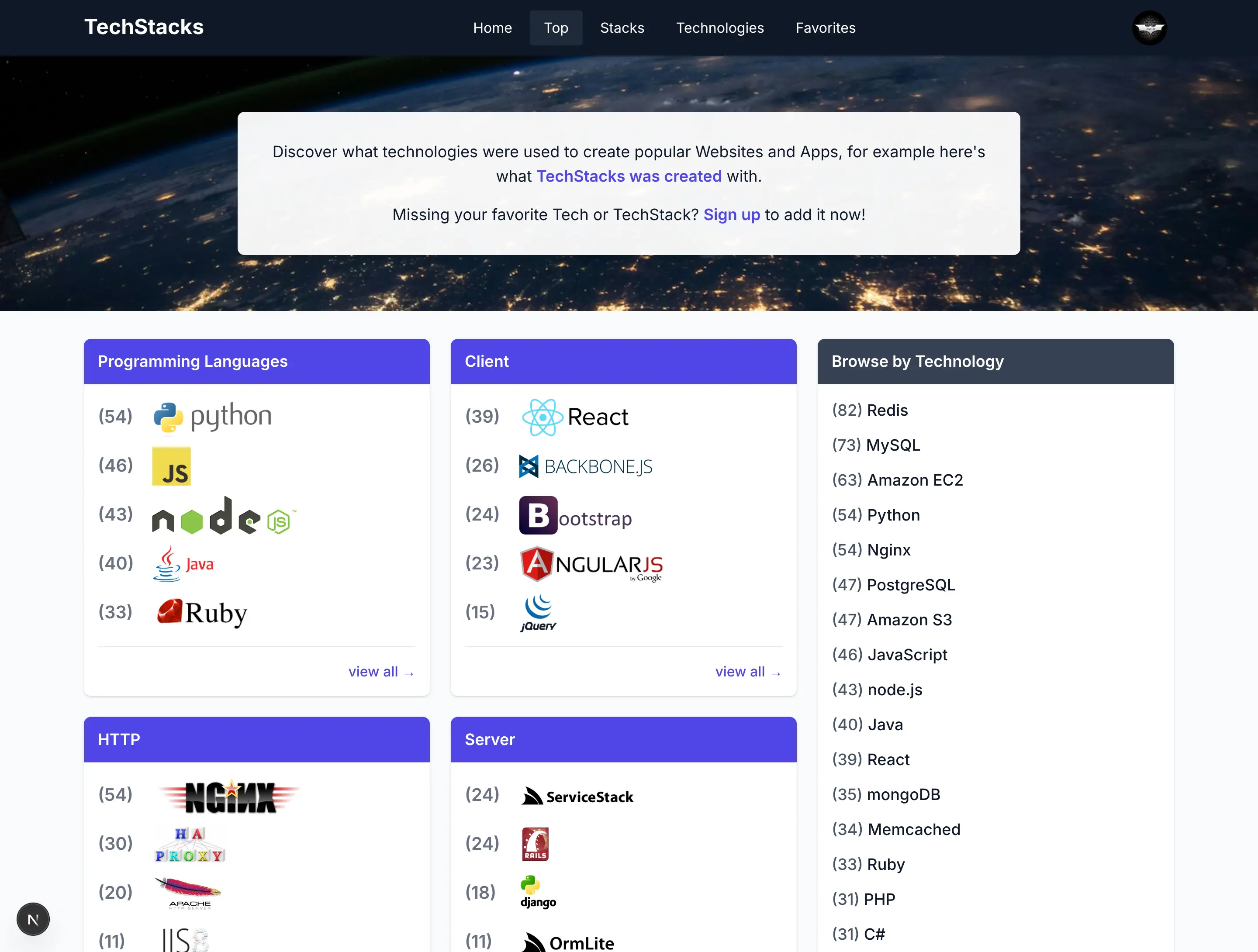
New Top
Click to view full size
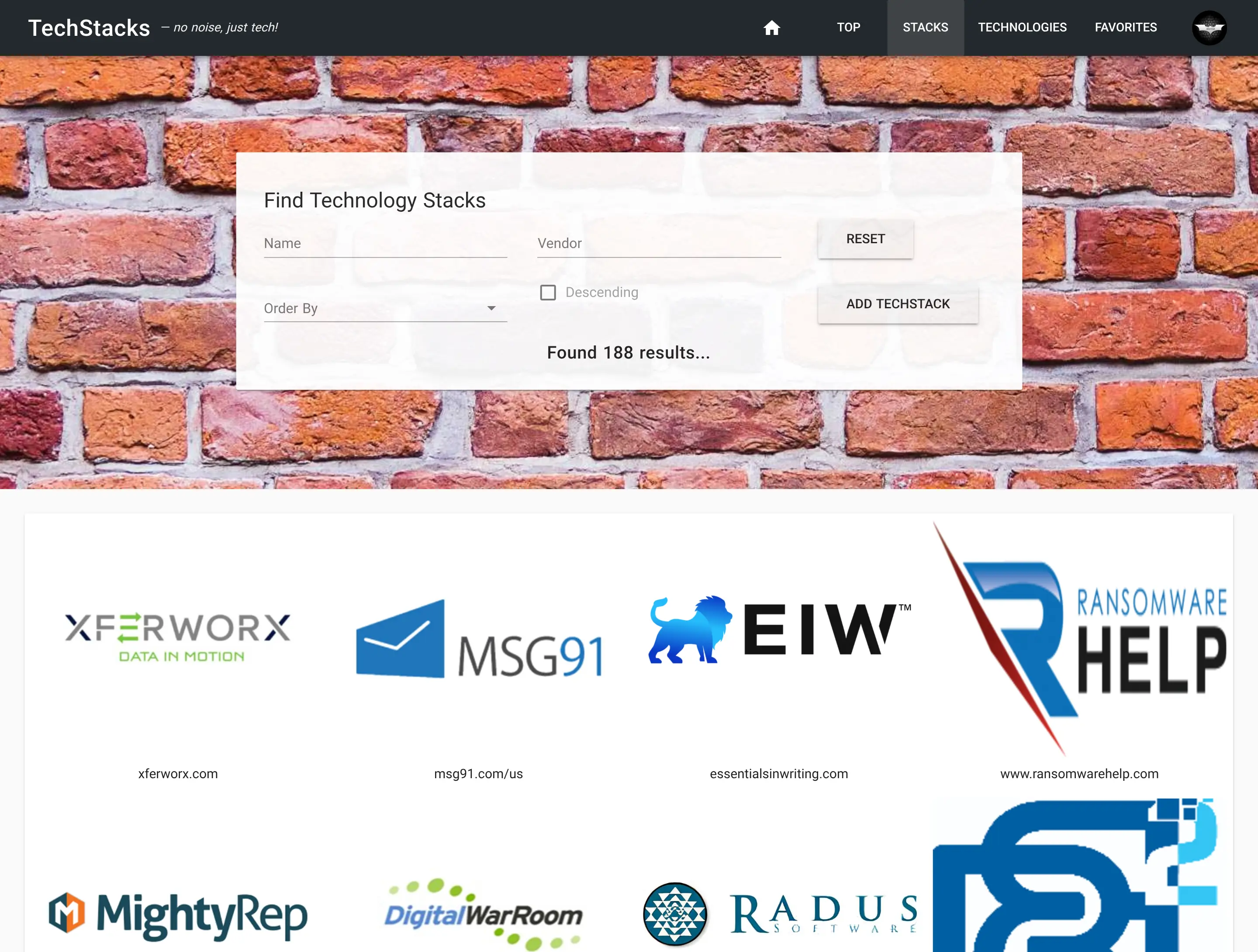
Old TechStacks
Click to view full size
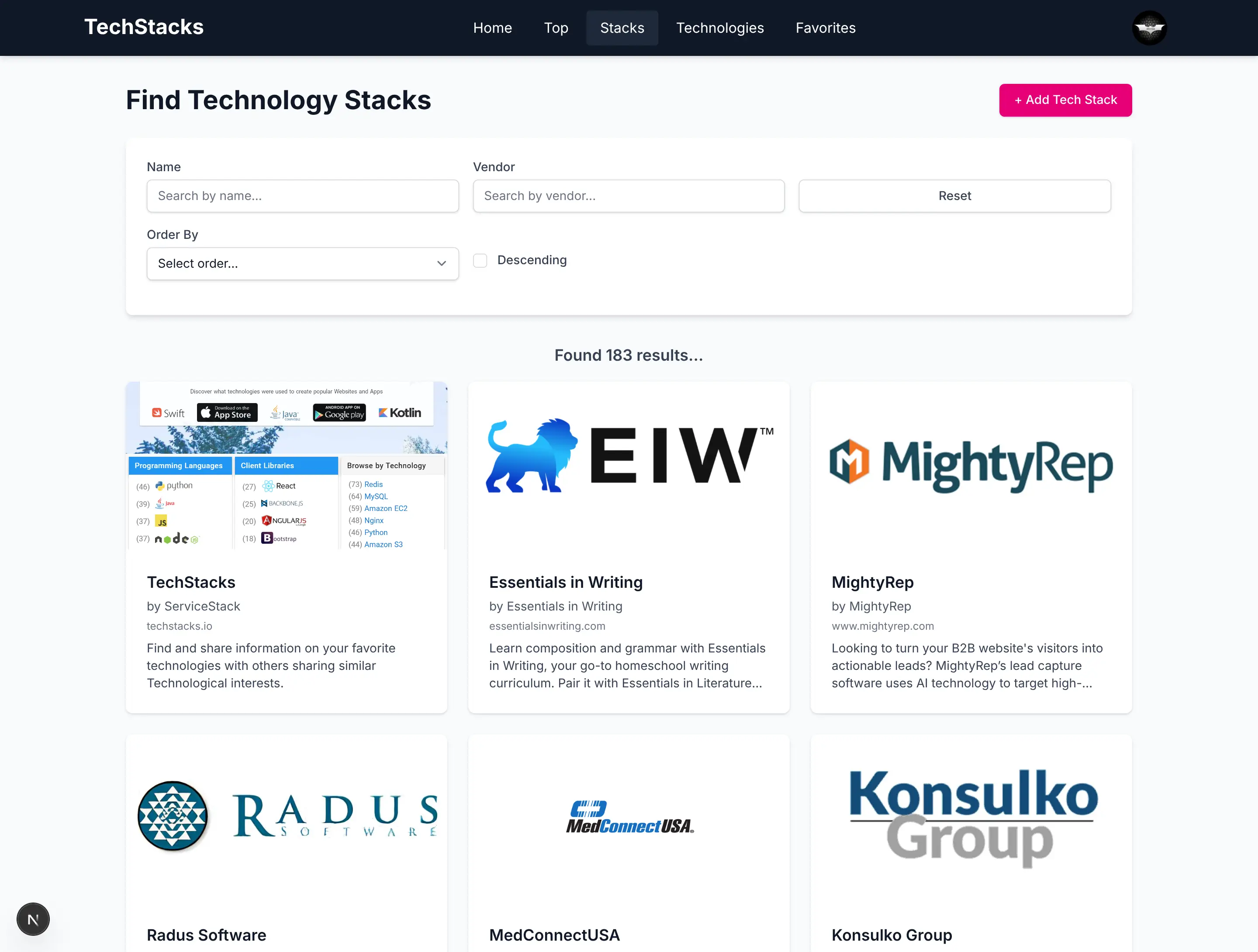
New TechStacks
Click to view full size
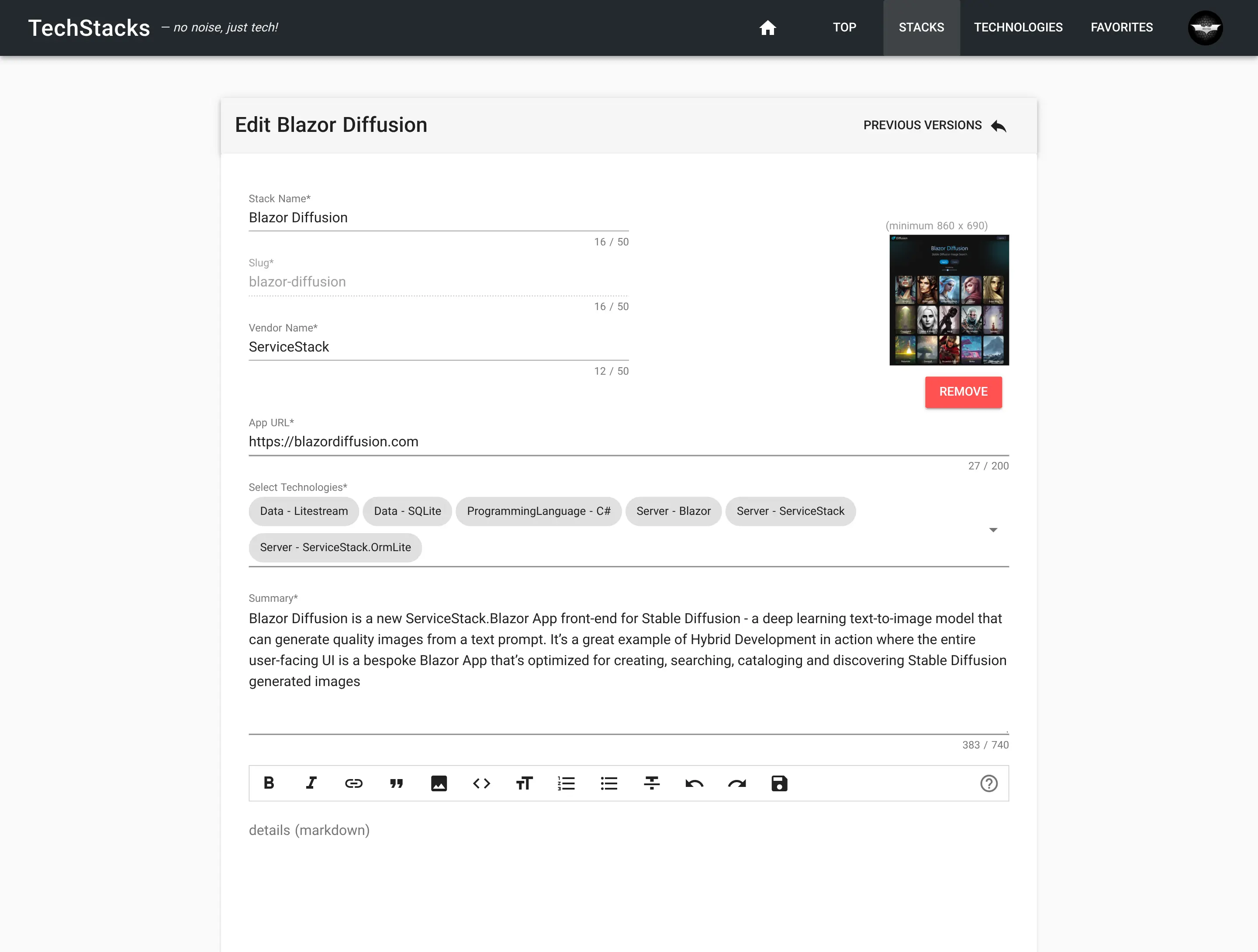
Old Edit TechStack
Click to view full size
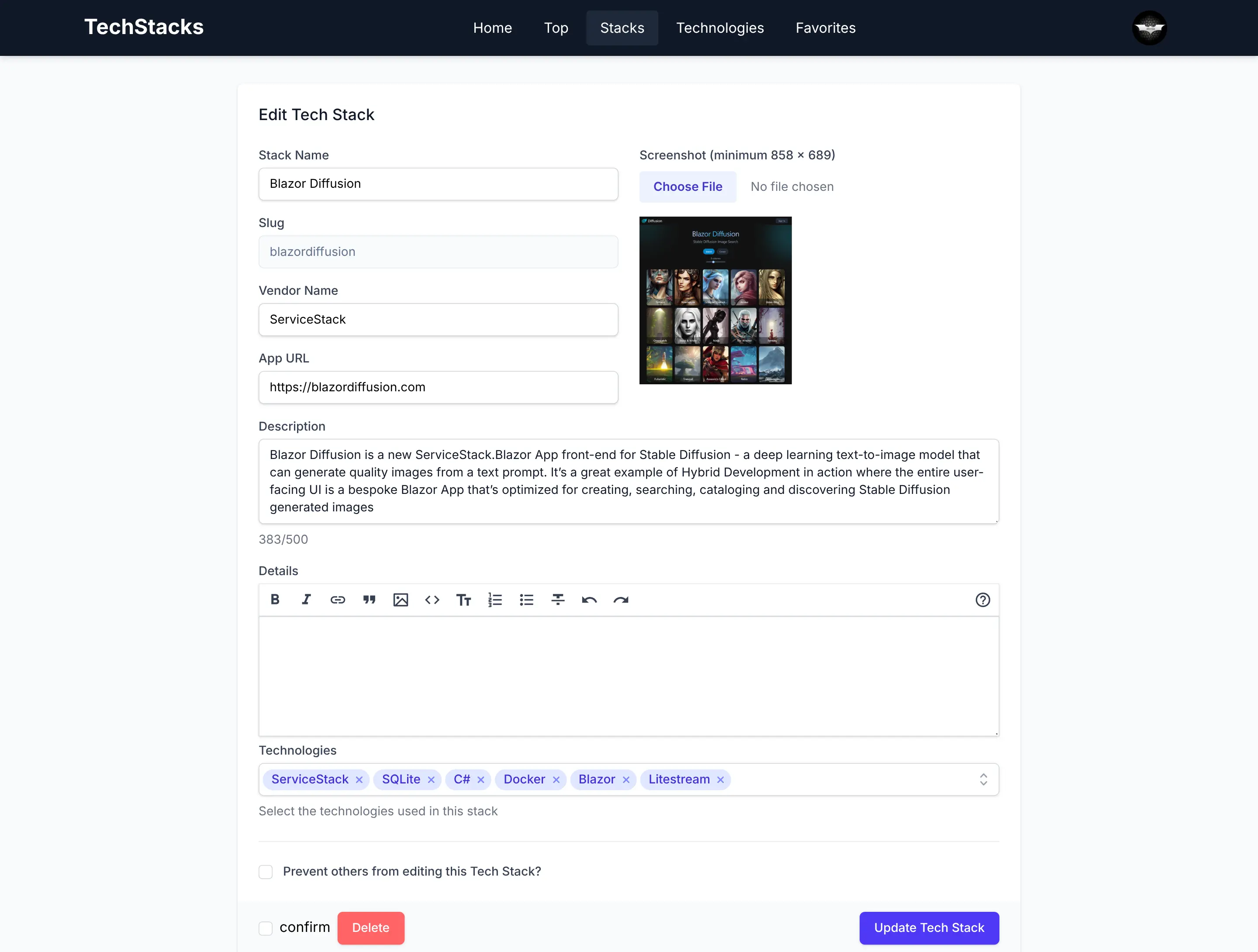
New Edit TechStack
Click to view full size
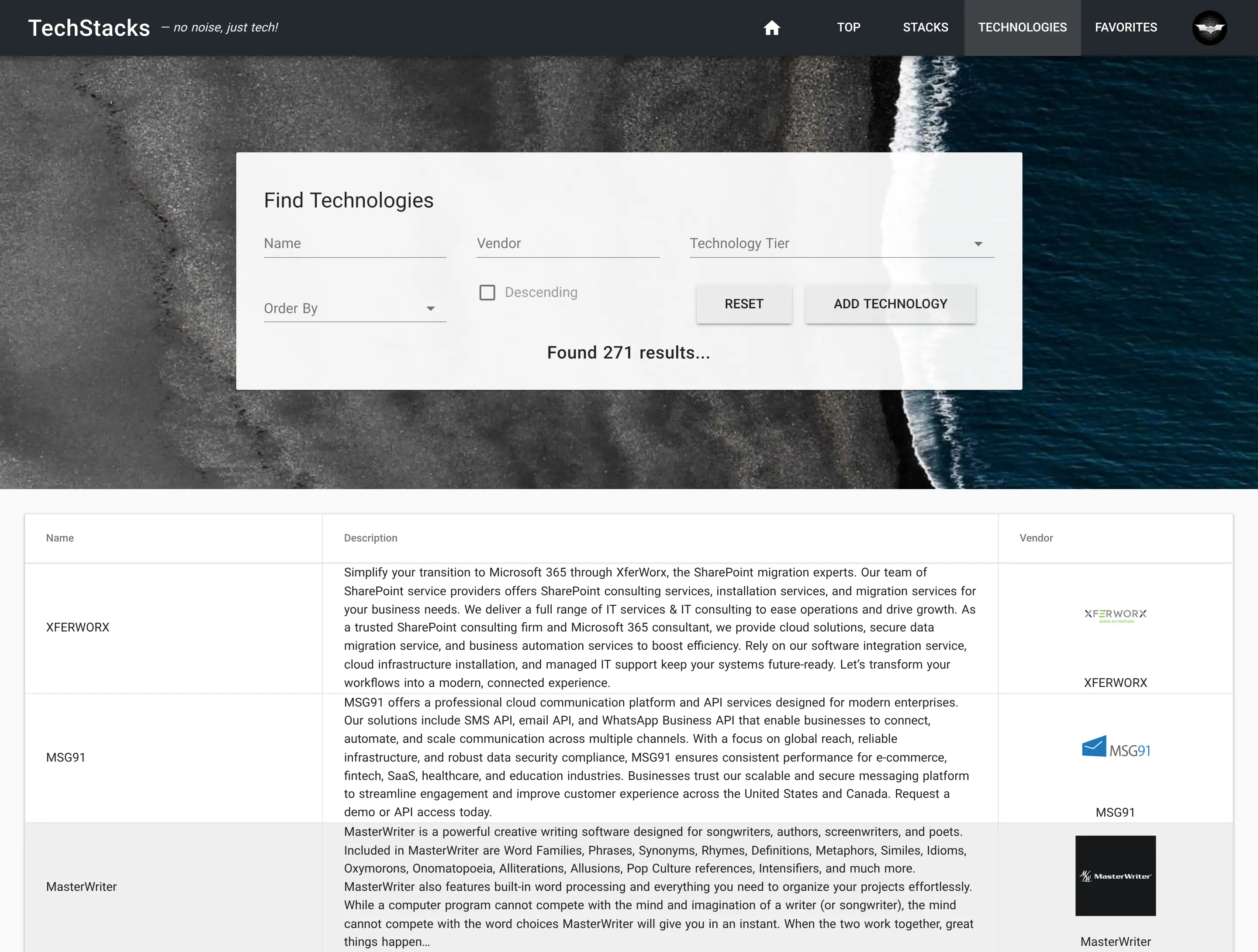
Old Technology
Click to view full size
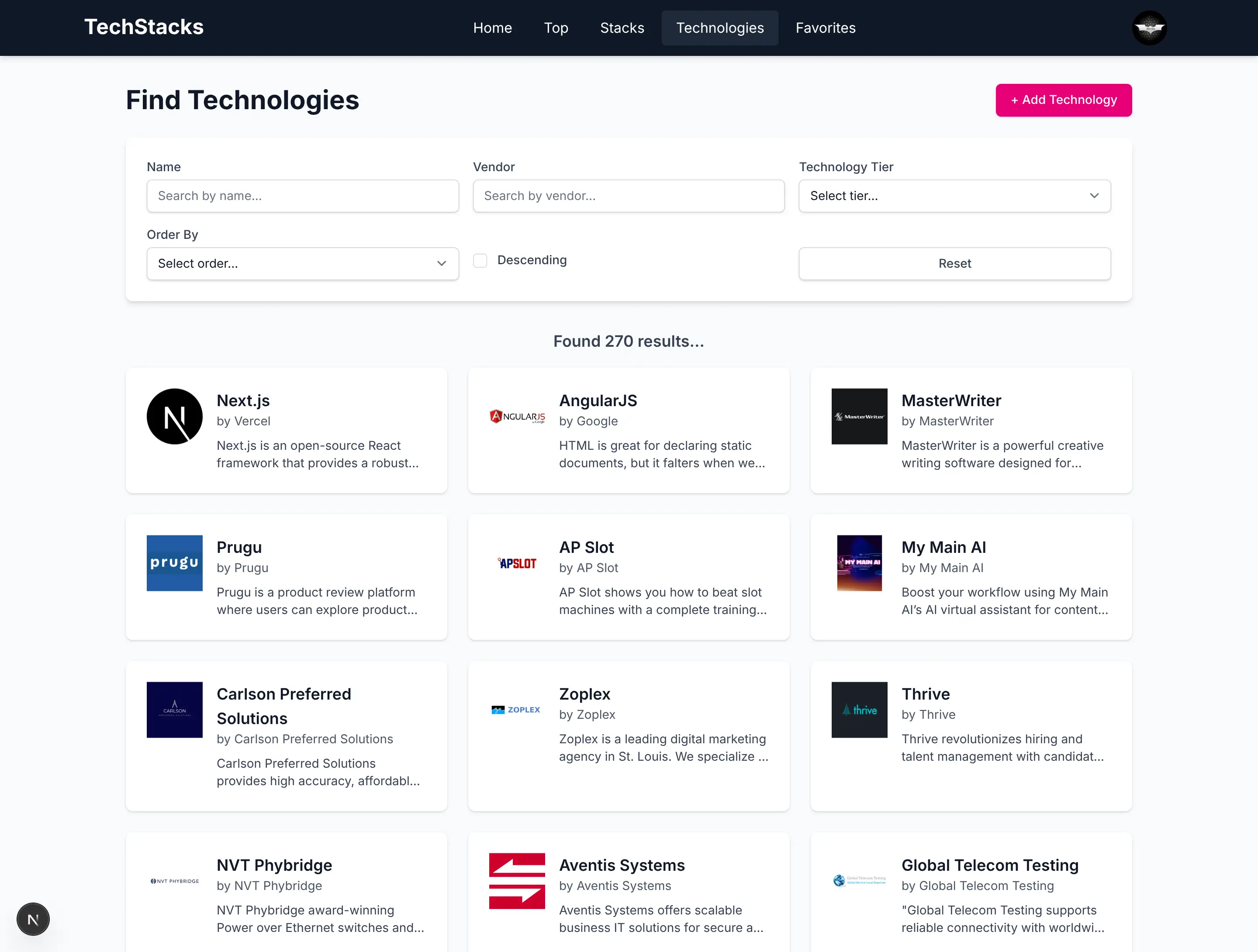
New Technology
Click to view full size
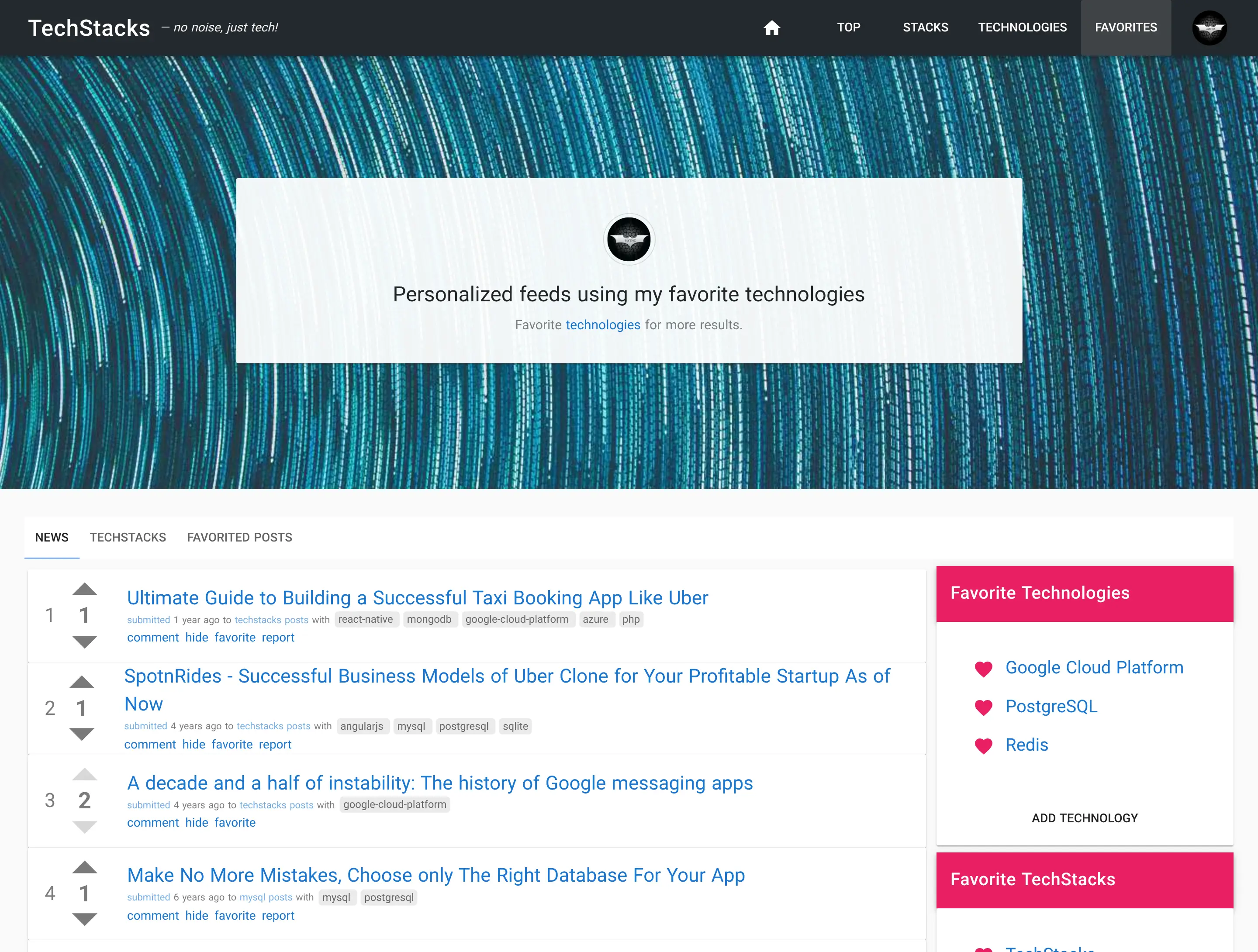
Old Favorites
Click to view full size
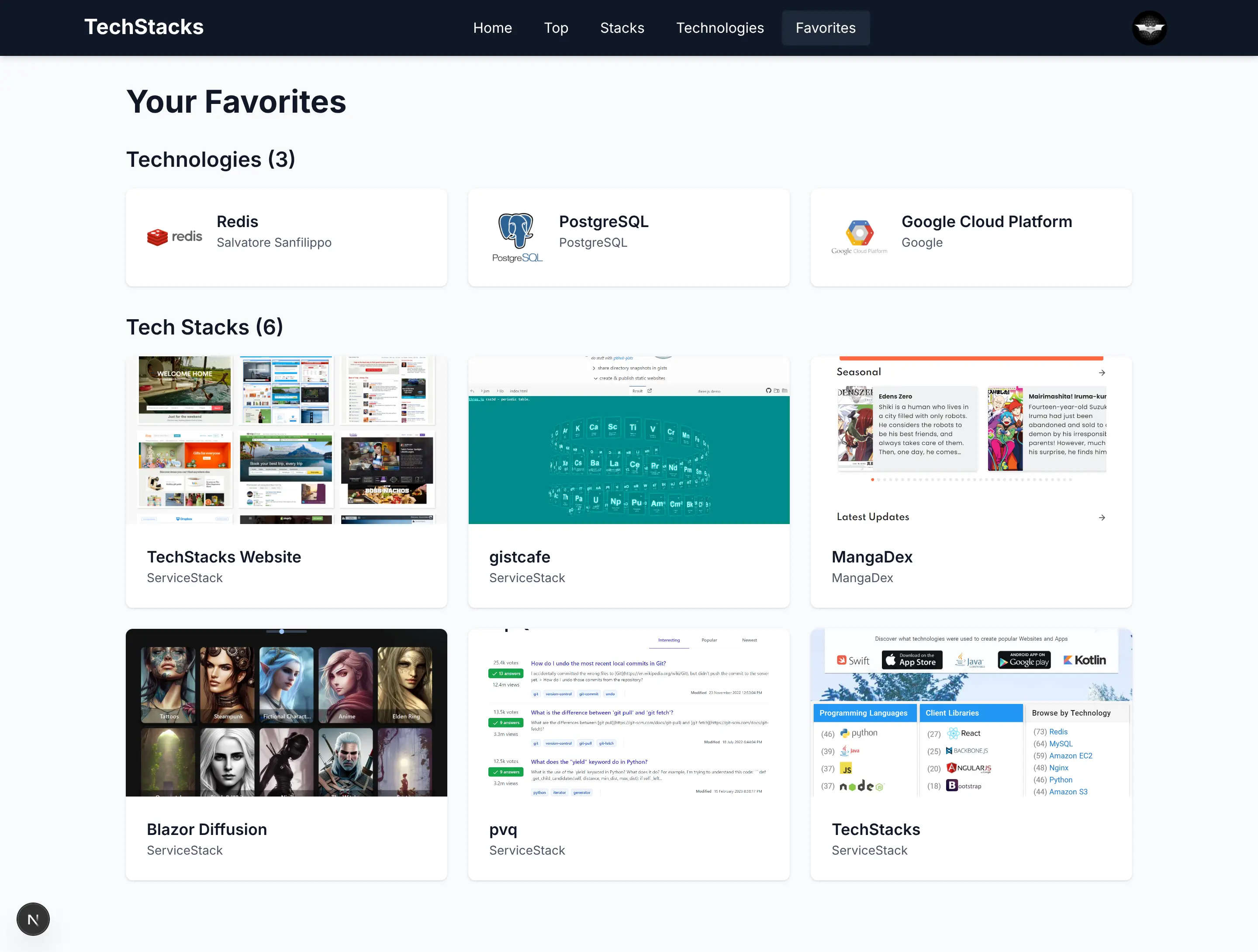
New Favorites
Click to view full size
Whilst we keep the old UI around for reference, you can view both UIs side-by-side at:
- Old (AWS + ECS + RDS): https://vuetify.techstacks.io
- New (Hetzner + PostgreSQL): https://techstacks.io
Why UIs Are Perfect Candidates for Replacement
Unlike backend systems where "tear down and rebuild" is far riskier and requires a more methodical approach, UIs are uniquely suited for complete replacement:
1. WYSIWYG Validation The end result is immediately visible. You can see if it works correctly just by using it. No hidden business logic, no subtle data corruption bugs - it just needs to look and behave right.
2. Clear API Boundaries When your UI integrates with existing, battle-tested backend APIs, you're building on proven business logic. The API contract is your safety boundary — preventing you from accidentally introducing server-side vulnerabilities or data corruption.
3. No Legacy Baggage Start fresh without inheriting:
- Workarounds for bugs in older framework versions but never updated
- CSS hacks for IE11 compatibility that we no longer need
- State management patterns designed before modern solutions existed
- Build configurations accumulated over years of framework updates
4. Modern Frameworks Are Better Today's frameworks solve problems that required custom code in legacy stacks:
- Server Components eliminate entire categories of client-side state management
- Modern CSS (Grid, Flexbox, Container Queries) replaces brittle layout hacks
- TypeScript catches errors that required runtime checks and defensive coding
- Built-in optimizations (code splitting, lazy loading) that were manual before
5. Separation of Concerns The UI layer is just the presentation layer. All the critical business logic, validation, authorization, and data integrity remains safely in the backend where it's been tested and proven over years of production use.
The AI-First Advantage
The real return on migrating isn’t the one-time rewrite, it’s the velocity that's gained afterward. After migrating to an AI‑native stack (Next.js, React, TypeScript, Tailwind), AI agents are better able to reliably implement new features asynchronously, i.e. without human intervention.
Changes like "Add dark mode support", "Implement infinite scrolling" or "Add export to CSV" become natural‑language prompts instead of full developer-assigned tickets. Iteration cycles of most UI features get compressed down to seconds, where it now takes less time to get AI Agents to implement features than it would take to describe the feature to a developer. Code becomes a disposable resource that's become cheap to write, where complete UI rewrites, prototypes, and experiments are now feasible.
Most importantly, a high quality product is the result of multiple dev iterations, i.e. continuously improving on features until they work exactly as intended and AI Agents enables far greater iteration velocity than hand coded implementations, at a fraction of the cost – that's able to supercharge the productivity of existing developers.
This is the primary benefit of rewriting to an AI‑native stack: creating a new foundation that enables "Vibe Coding" - where UI changes are described by text prompts and implemented by AI Agents.
Work that once took hours of human effort can now be done using AI Agents in minutes, with the migration typically paying for itself within the first few features.
Looking Forward
We're at the beginning of a fundamental shift in how we approach software development. AI Assistance has become a mandatory tool for developers, amplifying their capabilities and automating away tedious, repetitive work. AI models are only going to get better at understanding codebases and generating accurate implementations. The frameworks and patterns that work best with AI will become the new standard.
For organizations with legacy applications, it means modernization is now economically viable. Barriers that made UI rewrites prohibitively expensive have eroded. What was once a multi-month project requiring dedicated teams is now achievable in days with AI assistance.
From .NET APIs to AI First UIs
The unprecedented productivity of AI Assisted development has transformed our roadmap which is now firmly centered on developing the ideal .NET AI‑first development stack, powered by a growing suite of React / TypeScript / Tailwind CSS templates and components, the ultimate UX of hot-reloading npm UIs and built on our highly capable & performant .NET backend APIs.