TanStack Start
Statically prerendered TanStack Start UI with .NET 10 Identity Auth Template back-end APIs
.NET 10 TanStack Start Static Identity Auth Template
A modern full-stack .NET 10.0 + TanStack Start project template that combines the power of ServiceStack with a statically prerendered TanStack Start and React 19 frontend. Every page is prerendered to HTML at build time and served by ASP.NET Core, so there's no Node.js server to run in production. It provides a production-ready foundation for building scalable web applications with integrated authentication, database management, and background job processing.
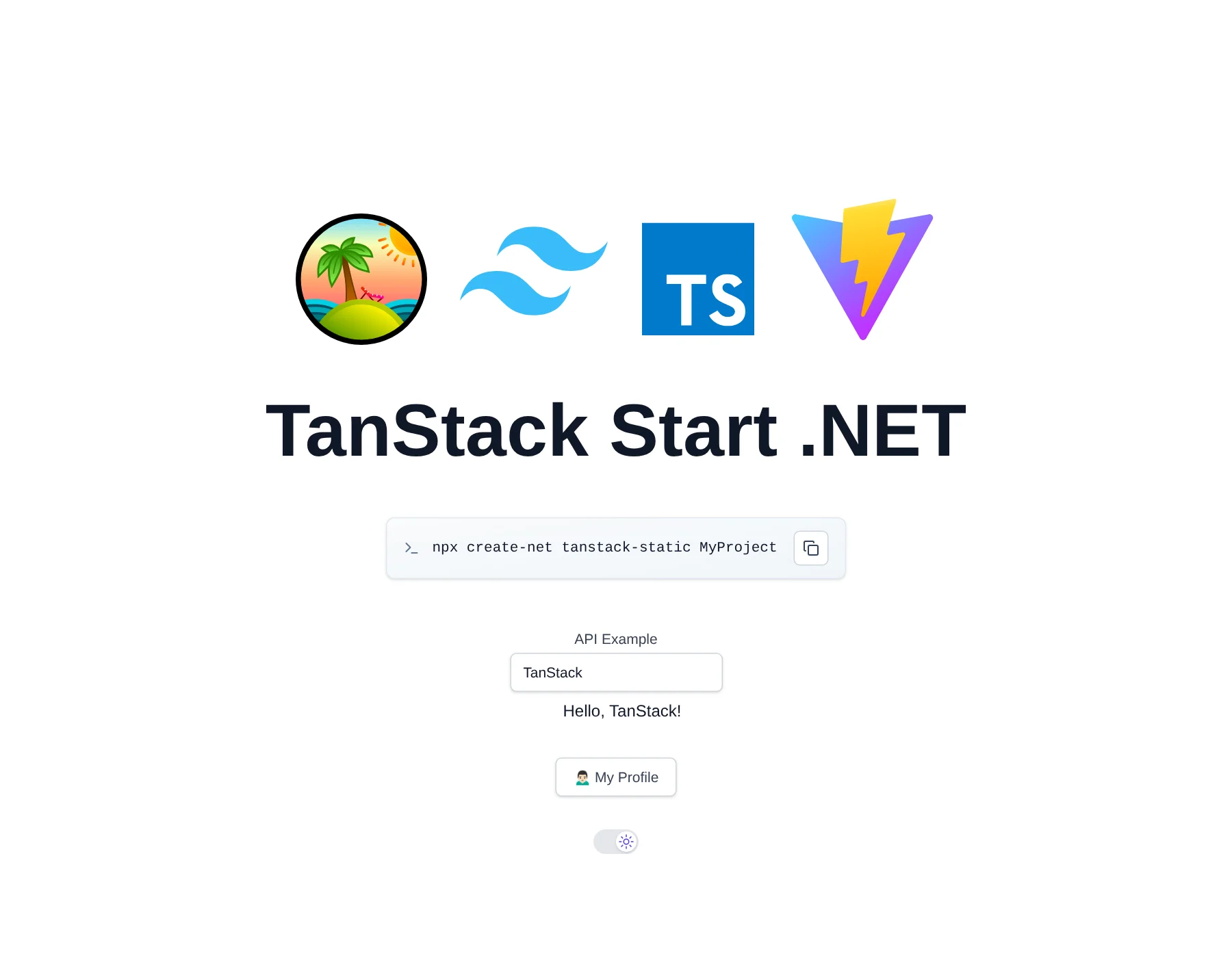
Quick Start
npx create-net tanstack-static MyProjectGetting Started
Run Server .NET Project (automatically starts both .NET and TanStack Start dev servers):
cd MyProject
dotnet watch
Why TanStack Start?
TanStack Start is a full-stack React framework from the creators of TanStack Query, Table and Router, and a modern alternative to Next.js for statically exported React Apps:
- 100% Type-safe Routing - TanStack Router generates a fully typed route tree from your file-based routes, so
<Link to>paths, path params and search params are all type checked, where renaming or removing a route is a compile error instead of a broken link - Built on Vite - it's just a Vite plugin, so the Vite+ toolchain runs its dev server, HMR and production builds, as well as checking, linting, formatting and testing
- Just React - no React Server Components,
"use client"boundaries or server/client component rules to learn. Routes are plain React components, making them simpler to reason about and easier for AI Agents to get right - Dynamic Routes in Static Exports - routes with path params like
/posts/$idare prerendered for every value linked from other pages, with all other values falling back to a generated_shell.htmlSPA shell which renders them in the browser. Next.js static exports instead require every dynamic route value to be known at build time withgenerateStaticParams() - Prerendered Pages, SPA Navigation - pages load instantly from prerendered HTML for fast first loads and SEO, then hydrate into a SPA with client-side navigation
- Less Magic, More Explicit - the
<html>document, head tags, providers and router are all defined in regular code you own, e.g. per-route page titles and meta tags are declared with a route'shead()function - Vendor Neutral - TanStack Start isn't designed around any hosting platform, and with static prerendering it's deployed as part of your .NET App
Architecture
Hybrid Development Approach
This template uses a hybrid architecture that optimizes for both development speed and production performance:
Development Mode:

- ASP.NET Core proxies requests to the TanStack Start Vite dev server (running on port 5173), which renders pages on request
- Hot Module Replacement (HMR) support for instant UI updates
- WebSocket proxying for Vite HMR functionality
Production Mode:

- Every route is prerendered to static HTML in
MyApp.Client/dist/clientusing TanStack Start's static prerendering - Static files served directly from ASP.NET Core's
/wwwroot, with clean URLs (/profile=>profile.html) - Routes that weren't prerendered (e.g. dynamic
/posts/$idvalues) fall back to_shell.htmlfrom TanStack Start's SPA mode and render in the browser - No separate Node.js server required in production
Static Prerendering
Static export is configured with the tanstackStart() Vite plugin in vite.config.ts, which starts from / and crawls every linked page, skipping links to pages served by .NET like /api, /ui, /admin-ui and /Identity:
tanstackStart({
    // Static export: prerender every route to MyApp.Client/dist/client, which is served from MyApp/wwwroot
    prerender: {
        enabled: true,
        crawlLinks: true,          // prerender every page linked from a prerendered page
        autoSubfolderIndex: false, // /about => about.html, served by MapCleanUrls() in Program.cs
        filter: ({ path }) => !isServerPath(path), // skip links to .NET pages
    },
    // Also write _shell.html, the fallback page for routes not prerendered (e.g. /posts/$id)
    spa: {
        enabled: true,
        maskPath: '/spa-shell',
    },
}),
A page only linked from client-rendered content (e.g. after an API call) won't be discovered by crawlLinks, add it to pages in tanstackStart() to prerender it.
Type-safe File-based Routes
Pages are added by creating files in src/routes/ with createFileRoute(), e.g. routes/about.tsx => /about and routes/posts.$id.tsx => /posts/$id. The route tree is regenerated by vp dev and vp build. E.g. the auth protected /profile page:
import { createFileRoute } from '@tanstack/react-router'
import { appAuth, ValidateAuth } from '@/lib/auth'

export const Route = createFileRoute('/profile')({
    head: () => ({ meta: [{ title: 'Profile' }] }),
    // Prerendered as a loading page, the profile is rendered in the browser once the signed-in user is known
    component: ValidateAuth(Profile),
})

function Profile() {
    const { user, signOut } = appAuth()
    //...
}
Link to pages with <Link to="/about"> from @tanstack/react-router so they're client-side navigations and get prerendered by crawlLinks.
Static Export Rules
As there's no Node.js server in production:
- Don't use TanStack Start server functions (
createServerFn), server routes or middleware - call ServiceStack APIs with the typedclientfrom@/lib/gatewayinstead - Route
loaders andbeforeLoadrun at build time when prerendering, with no signed-in user or browser APIs. Fetch per-user or frequently changing data in components, e.g. withuseEffectanduseClient() - Pages are prerendered signed-out -
init()inlib/gateway.tsloads the signed-in user after hydration. Protect pages withValidateAuth()fromlib/auth.tsx, which waits for the App to be ready before redirecting - Guard browser-only APIs (
window,localStorage,document) inuseEffector withtypeof window !== 'undefined', since every component also renders in Node.js during prerendering
These rules are also documented in the template's AGENTS.md so AI Agents know which TanStack Start features to use and which to avoid.
Core Technologies
Frontend (TanStack Start + React 19)
- TanStack Start - Full-stack React framework, used for its type-safe file-based routing (TanStack Router) and static prerendering
- Vite+ - Unified toolchain: Vite 8 (Rolldown), Vitest, Oxlint and Oxfmt via the
vpCLI - Tailwind CSS 4.x - CSS-first configuration with
@tailwindcss/viteplugin - TypeScript - Type-safe development, type checked by Oxlint (TypeScript Go)
- Vitest - Modern testing framework
- ServiceStack React Components - Pre-built UI components
.NET Frontend (Integrated + Optional)
- Razor Pages - For Identity Auth UI (
/Identityroutes)
Backend (.NET 10.0)
- ServiceStack 10.x - High-performance web services framework
- ASP.NET Core Identity - Complete authentication & authorization system
- Entity Framework Core - For Identity data management
- OrmLite - ServiceStack's fast, lightweight Typed ORM for application data
- SQLite - Default database (easily upgradable to PostgreSQL/SQL Server/MySQL)
Major Features
1. Authentication & Authorization
- ASP.NET Core Identity integration with role-based access control
- Custom user sessions with additional claims
- Admin users feature for user management at
/admin-ui/users - Email confirmation workflow (configurable SMTP)
- Razor Pages for Identity UI (
/Identityroutes) - Credentials-based authentication
2. AutoQuery CRUD
- Declarative API development with minimal code
- Automatic audit trails (created/modified/deleted tracking)
- Built-in validation and authorization
- Type-safe TypeScript DTOs auto-generated from C# models
3. Background Jobs
BackgroundsJobFeaturefor async task processing- Command pattern for job execution
- Email sending via background jobs
- Recurring job scheduling support
- Upgradable to
DatabaseJobsFeaturefor enterprise RDBMS
4. Developer Experience
- Admin UI at
/admin-uifor App management - Health checks at
/upendpoint - Modular startup configuration pattern
- Code-first migrations with OrmLite
- Docker support with container publishing
- Kamal deployment configuration included
5. Production Features
- Static asset caching with intelligent cache invalidation
- Clean URLs without
.htmlextensions - HTTPS redirection and HSTS
- Data protection with persistent keys
- Health monitoring
- Database developer page for EF Core errors
Project Structure
MyApp/                         # .NET Backend (hosts both .NET and TanStack Start)
├── Configure.*.cs             # Modular startup configuration
├── Migrations/                # EF Core Identity migrations + OrmLite app migrations
├── Pages/                     # Identity Auth Razor Pages
└── wwwroot/                   # Production static files (from MyApp.Client/dist/client)

MyApp.Client/                  # TanStack Start Frontend
├── src/
│   ├── routes/                # File-based routes (TanStack Router)
│   │   ├── __root.tsx         # Root layout: <html> document, head, providers, init()
│   │   ├── index.tsx          # Home page (/)
│   │   ├── profile.tsx        # Auth-protected page (/profile)
│   │   ├── forbidden.tsx      # 403 page (/forbidden)
│   │   ├── $.tsx              # Catch-all 404 page
│   │   └── spa-shell.tsx      # Only used to generate _shell.html
│   ├── routeTree.gen.ts       # Generated by TanStack Router on dev/build, never edit
│   ├── router.tsx             # Router instance (getRouter)
│   ├── lib/
│   │   ├── dtos.ts            # Auto-generated from C# on .NET App startup
│   │   ├── gateway.ts         # ServiceStack JsonServiceClient, init(), useAppReady()
│   │   ├── auth.tsx           # ValidateAuth() and appAuth()
│   │   └── utils.ts           # Utility functions
│   ├── components/            # React components
│   └── styles/                # Tailwind CSS
└── vite.config.ts             # Vite+ config: TanStack Start prerendering, dev/build, lint, fmt, test

MyApp.ServiceModel/            # DTOs & API contracts
├── *.cs                       # C# Request/Response DTOs
├── api.d.ts                   # TypeScript data models Schema
└── *.d.ts                     # TypeScript data models for okai code generation

MyApp.ServiceInterface/        # Service implementations
├── Data/                      # EF Core DbContext and Identity models
└── *Services.cs               # ServiceStack service implementations

MyApp.Tests/                   # .NET tests (NUnit)
├── IntegrationTest.cs         # API integration tests
└── MigrationTasks.cs          # Migration task runner

config/
└── deploy.yml                 # Kamal deployment settings
.github/
└── workflows/
    ├── build.yml              # CI build and test
    ├── build-container.yml    # Container image build
    └── release.yml            # Production deployment with Kamal
Development Workflow
For detailed information on the development workflow, including starting development servers, generating TypeScript DTOs, database migrations, and testing, see:
Development Workflow Documentation
Configuration
For detailed configuration information, including app settings, SMTP email setup, and upgrading to enterprise databases (PostgreSQL/SQL Server/MySQL), see:
Deployment
For deployment instructions, including Docker + Kamal setup and GitHub Actions configuration, see:
AutoQuery CRUD Dev Workflow
For Rapid Development simple TypeScript Data Models can be used to generate C# AutoQuery APIs and DB Migrations.
Ideal Use Cases
- Apps wanting type-safe routing with compile-time checked links and params
- Teams preferring Vite and plain React over Next.js and React Server Components
- Static sites with dynamic routes that can't all be known at build time
- SaaS applications and admin dashboards requiring authentication and CRUD operations
- Projects requiring both prerendered pages for SEO and API capabilities