Operations Center and support
Configure sales, issue and manage licenses, and review orders from dedicated Operations pages.
Sign in with the Identity Admin role and open /admin.
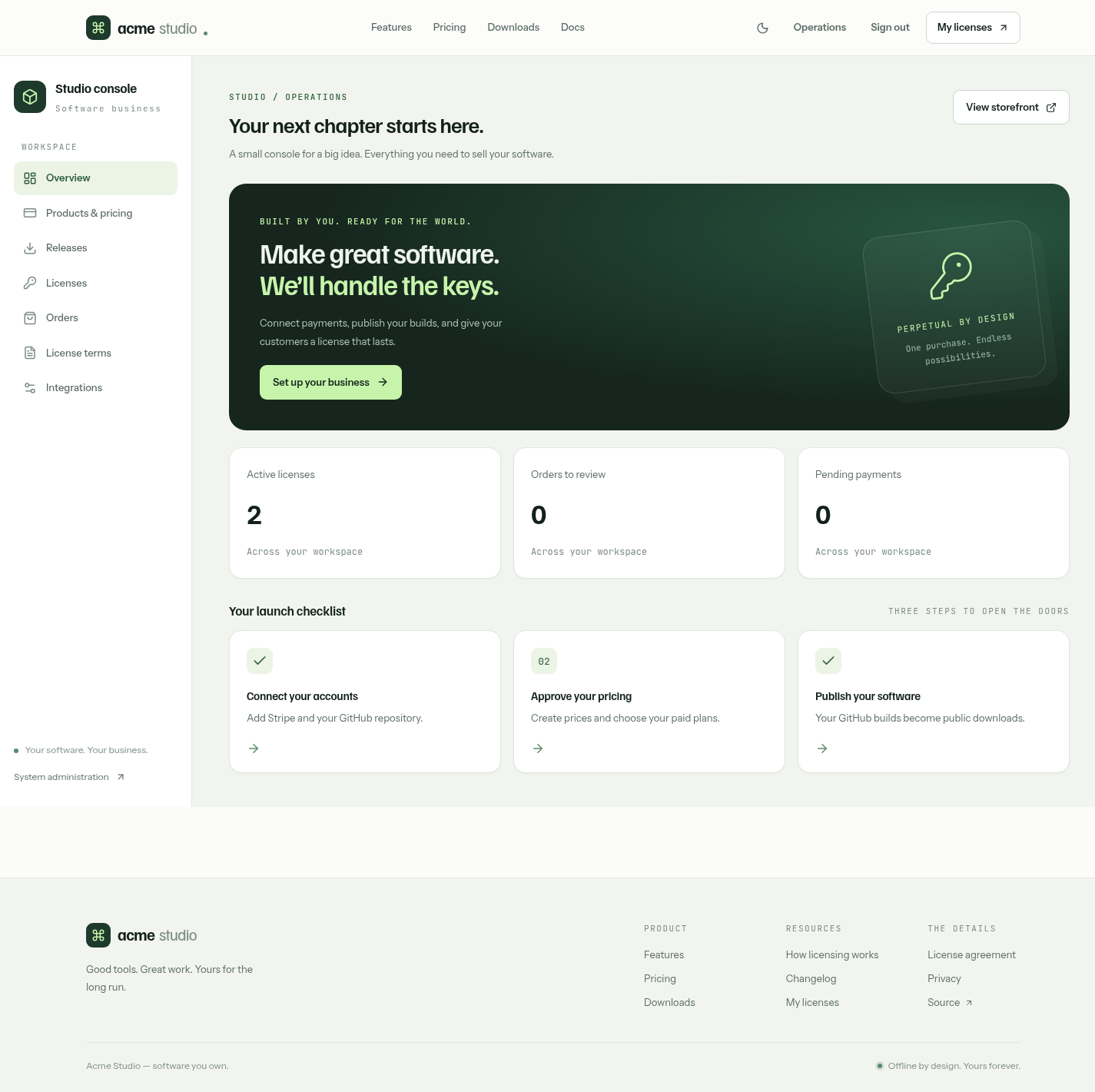
| Page | Purpose |
|---|---|
/admin | Active licenses, orders needing review, pending Stripe events, and a launch checklist |
/admin/catalog | Save prices, create missing Stripe prices, approve or remove offerings |
/admin/releases | Published GitHub releases, notes and downloads |
/admin/licenses | Search, issue and manage licenses |
/admin/orders | Search orders, open Stripe payments and record reviews |
/admin/agreements | Publish agreement versions with a Markdown preview |
/admin/settings | Stripe, webhook, signing and GitHub configuration status |
Issue a license
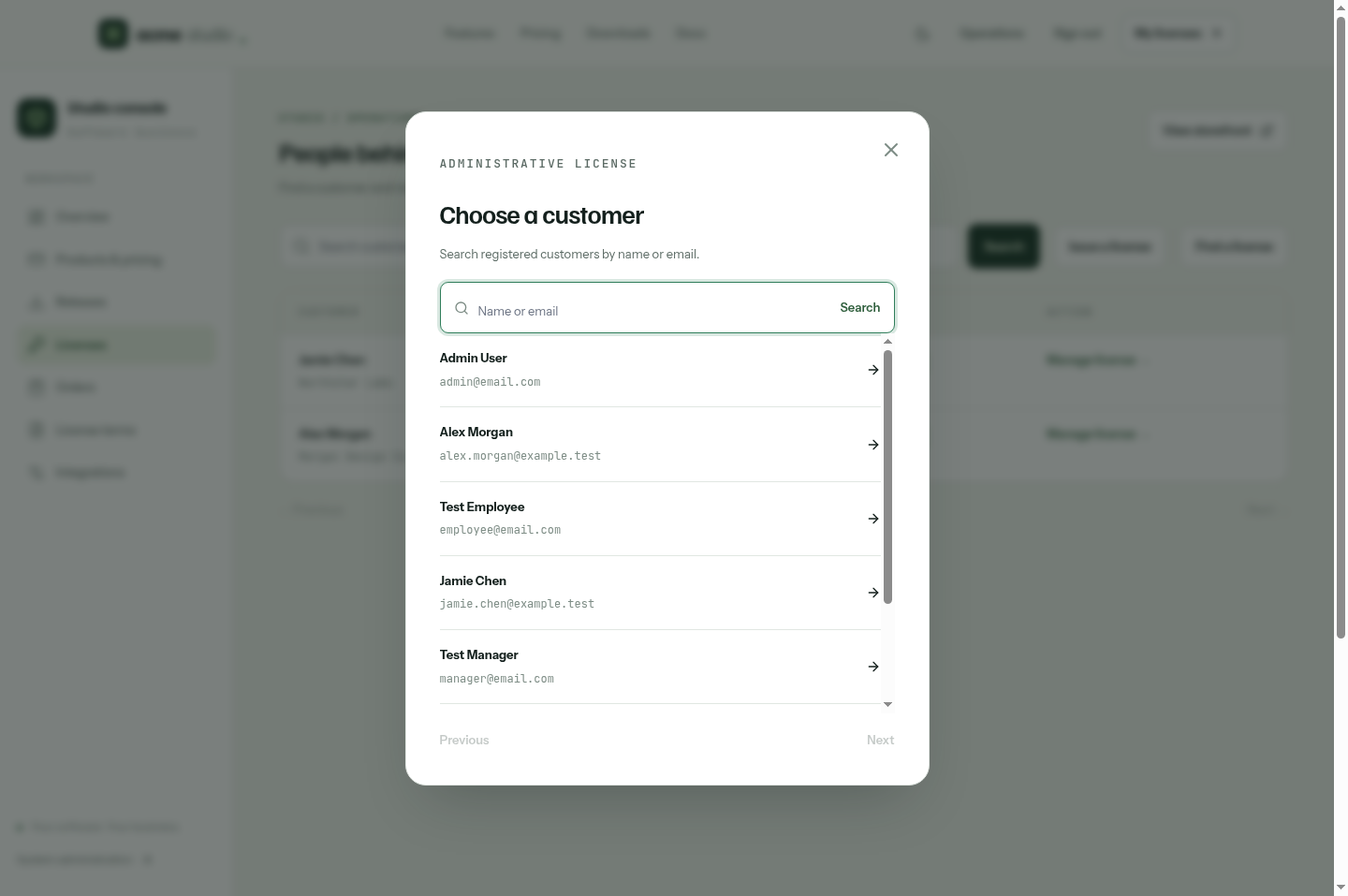
Open Licenses and choose Issue a license. Search registered customers by name or email and select one; the customer ID is filled in for you. Then enter the registered name, organization, seats, edition and coverage.
Manage a license
Search the list and choose Manage on a license to extend its dated coverage, grant Lifetime updates or reissue it. Each change requires a reason and is recorded in the audit log.
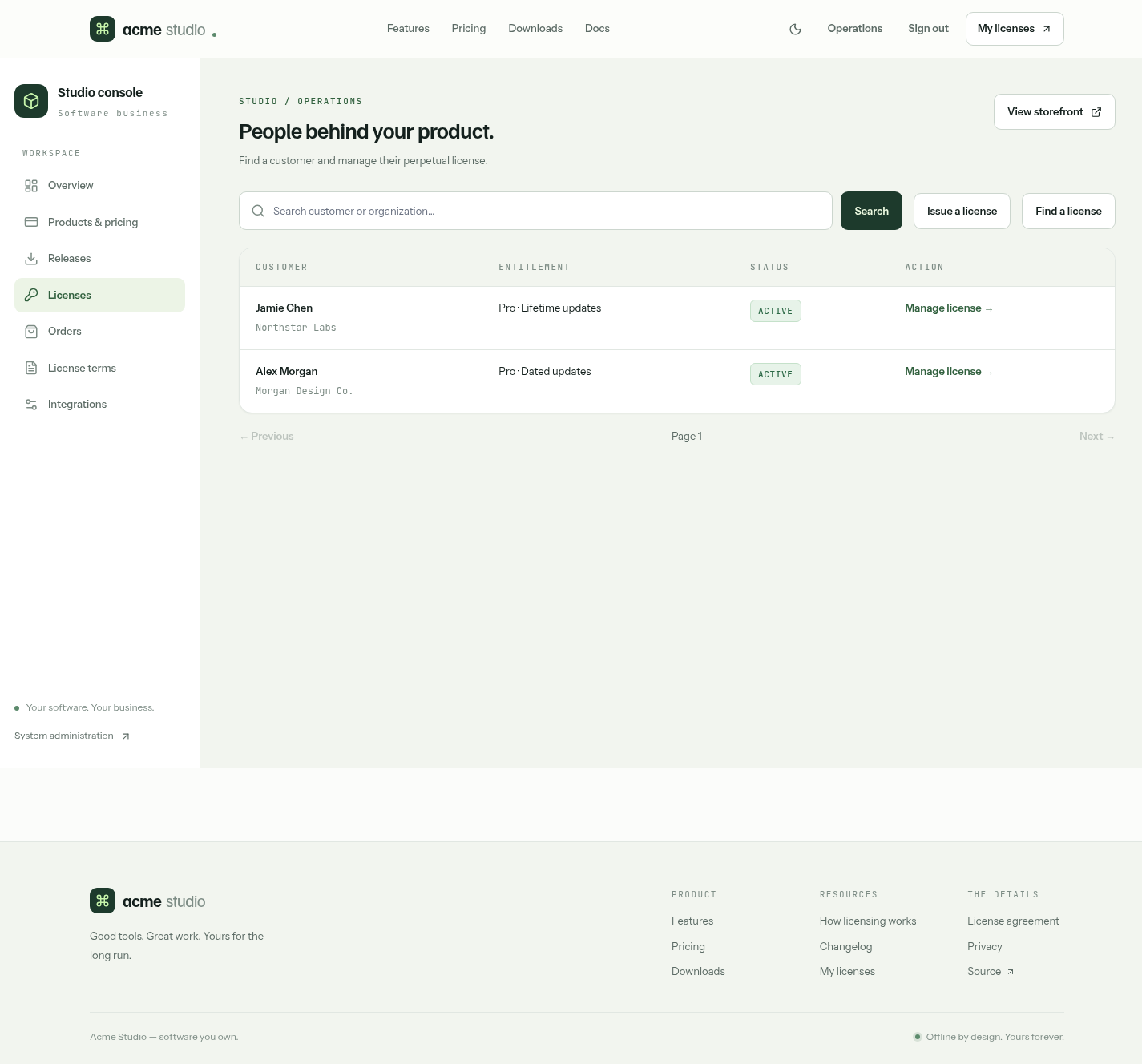
Changes are checked against the license's current version. If someone else changed it first, reload and try again. A change signs a new key; customers copy it from their account or receive it through refresh. Keys they already hold keep their original coverage.
Orders
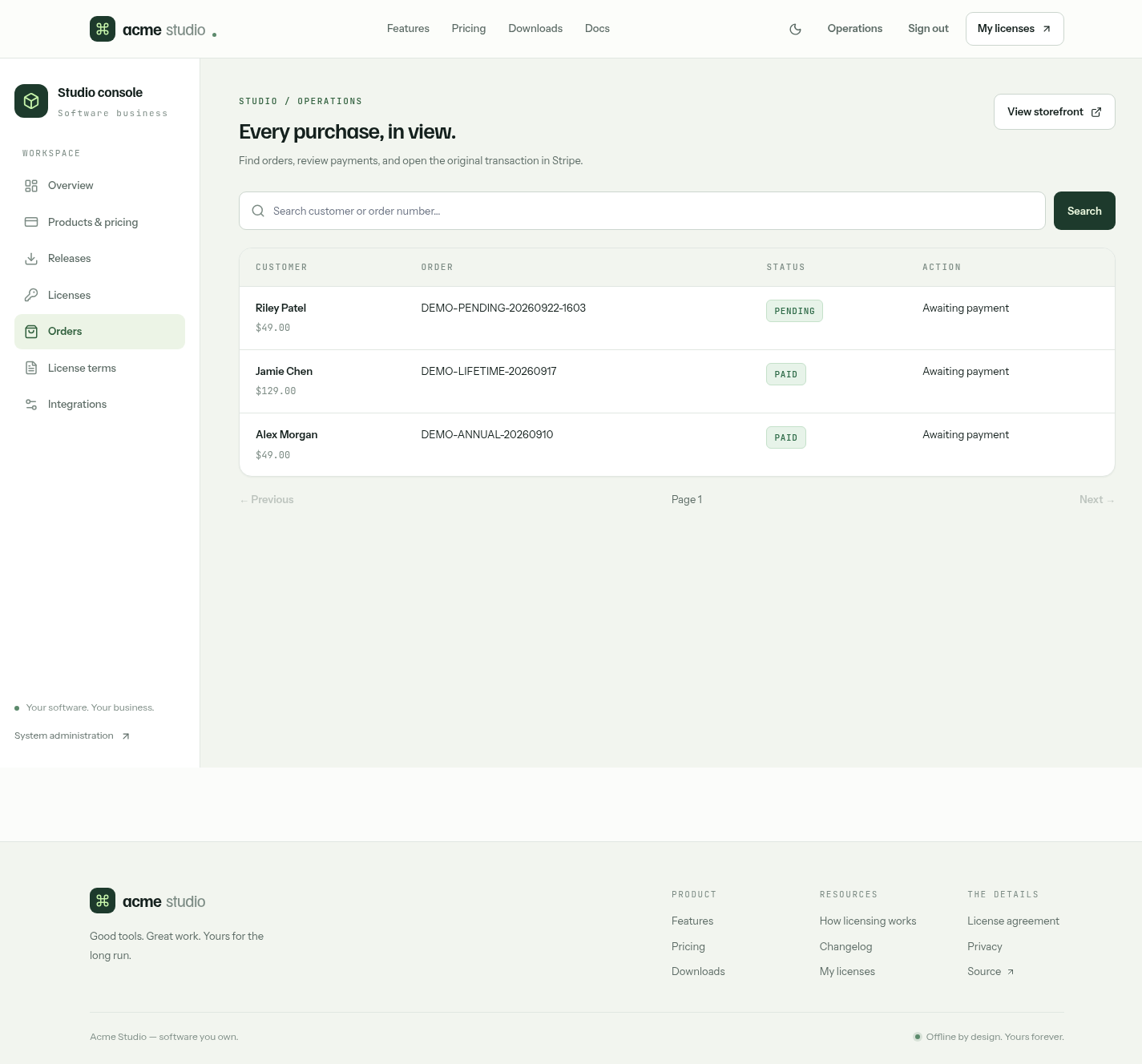
Orders lists orders with search, a link to each Stripe payment, and a review dialog for orders flagged by refunds, disputes or failed reconciliation. Payment, refunds and dispute responses happen in Stripe.
Admin APIs without UI
These Admin-only APIs are available through /ui or your own tooling:
| API | Purpose |
|---|---|
RefundLicenseOrder | Idempotent refund; see refunds |
ListLicenseDisputes, ReviewLicenseDispute | Dispute review |
RetryLicenseStripeEvent | Requeue a pending Stripe event after fixing its cause |
RevokeLicense | Stop portal and refresh delivery of a license |
Users, background jobs, request logs and the database are available in /admin-ui.