Releases and public downloads
Display published GitHub releases and platform downloads automatically.
Set the public GitHub repository that holds your software releases in .env, then restart the backend:
Licensing__GitHubRepository=owner/repositoryThe template's example repository is NetCoreApps/acme-studio.
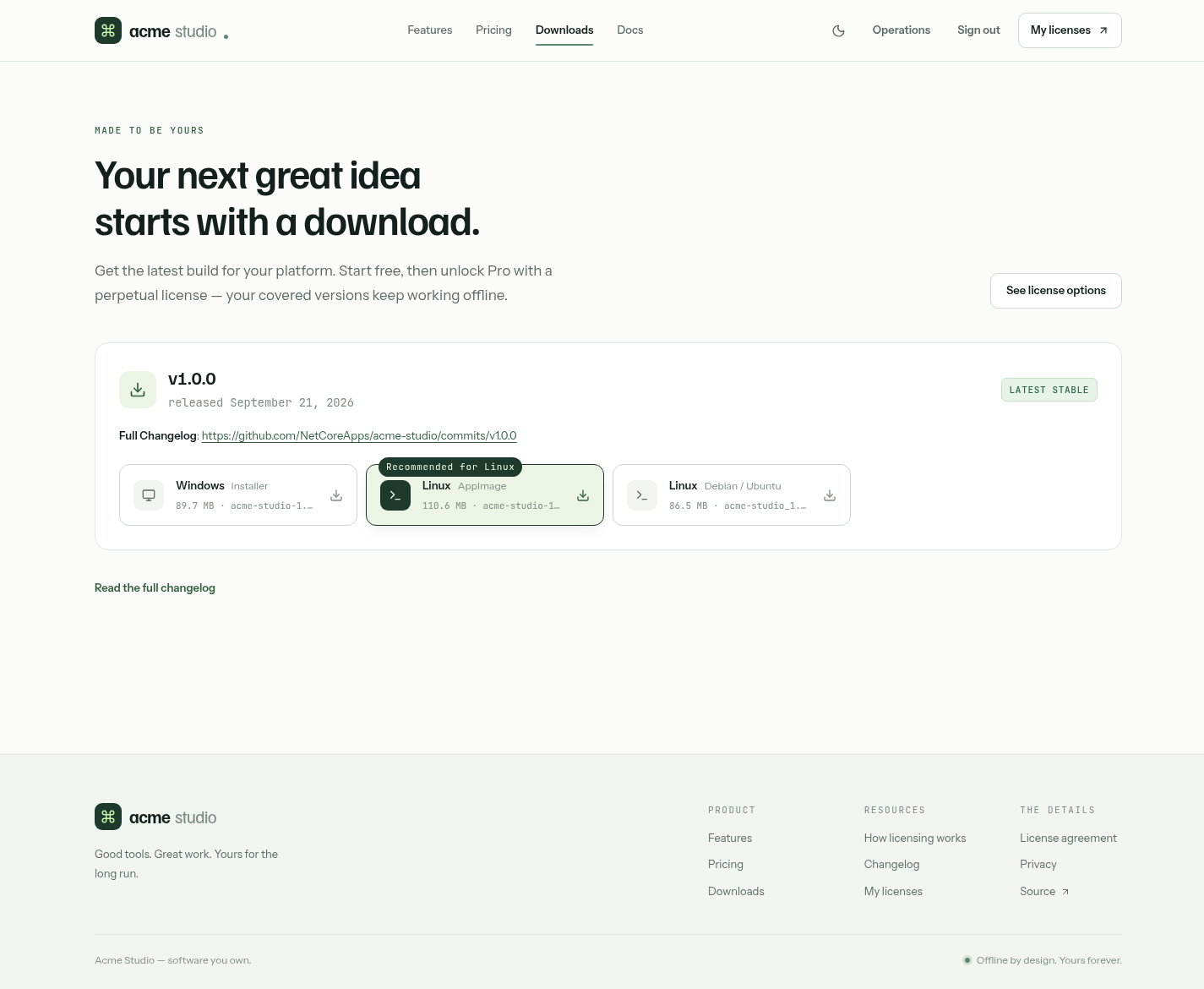
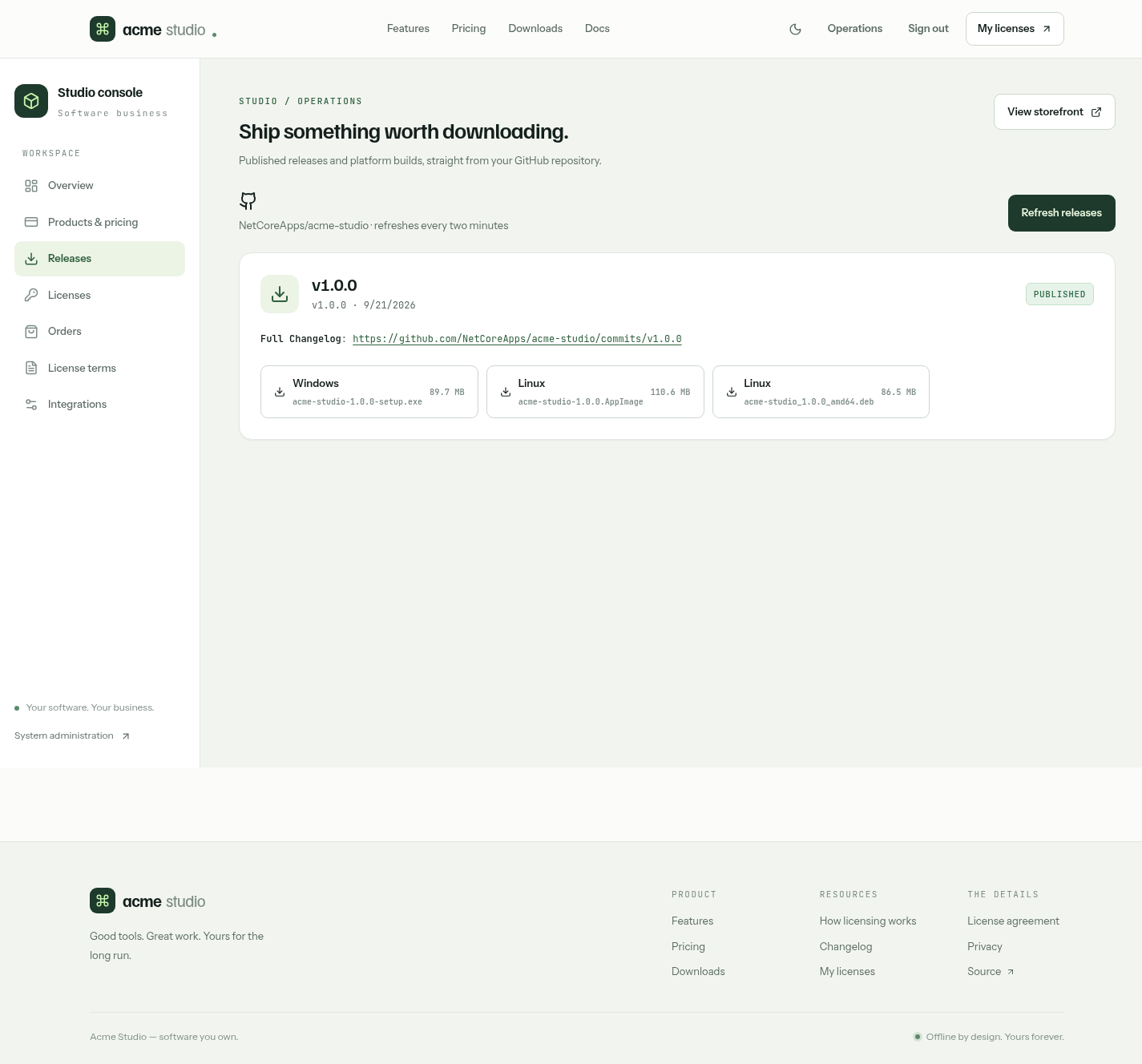
Publish releases and attach installers in that repository with your normal build pipeline. The website reads GitHub's latest 100 releases and shows them in three places:
| Page | Shows |
|---|---|
/download | Download buttons for each platform, with the visitor's platform first |
/changelog | Release notes rendered as Markdown |
/admin/releases | Releases, notes and assets for operators |
Draft releases are excluded. Installer file extensions determine the platform:
| Platform | Extensions |
|---|---|
| Windows | .exe, .msi, .msix |
| macOS | .dmg, .pkg |
| Linux | .AppImage, .deb, .rpm |
Other assets, such as updater .blockmap and .yml metadata, don't become download buttons.
When GitHub is unavailable
Responses are cached in memory for two minutes. The last successfully parsed response is also saved to App_Data/github-downloads and survives restarts, so persist that directory in deployments.
- A network error, timeout, rate limit or malformed response falls back to the saved response.
- A valid live response replaces the cache, including a valid empty list, so removed releases don't linger.
- A new installation needs one successful fetch before any fallback exists.
- The cache stores release metadata, not installers. Download links still depend on GitHub serving the files.
Release-announcement emails use the same data and cache.
Publishing stays in your software repository
The website doesn't build, sign or reserve releases, and listing a release never changes license coverage. See build and publish your app.