Audit logs
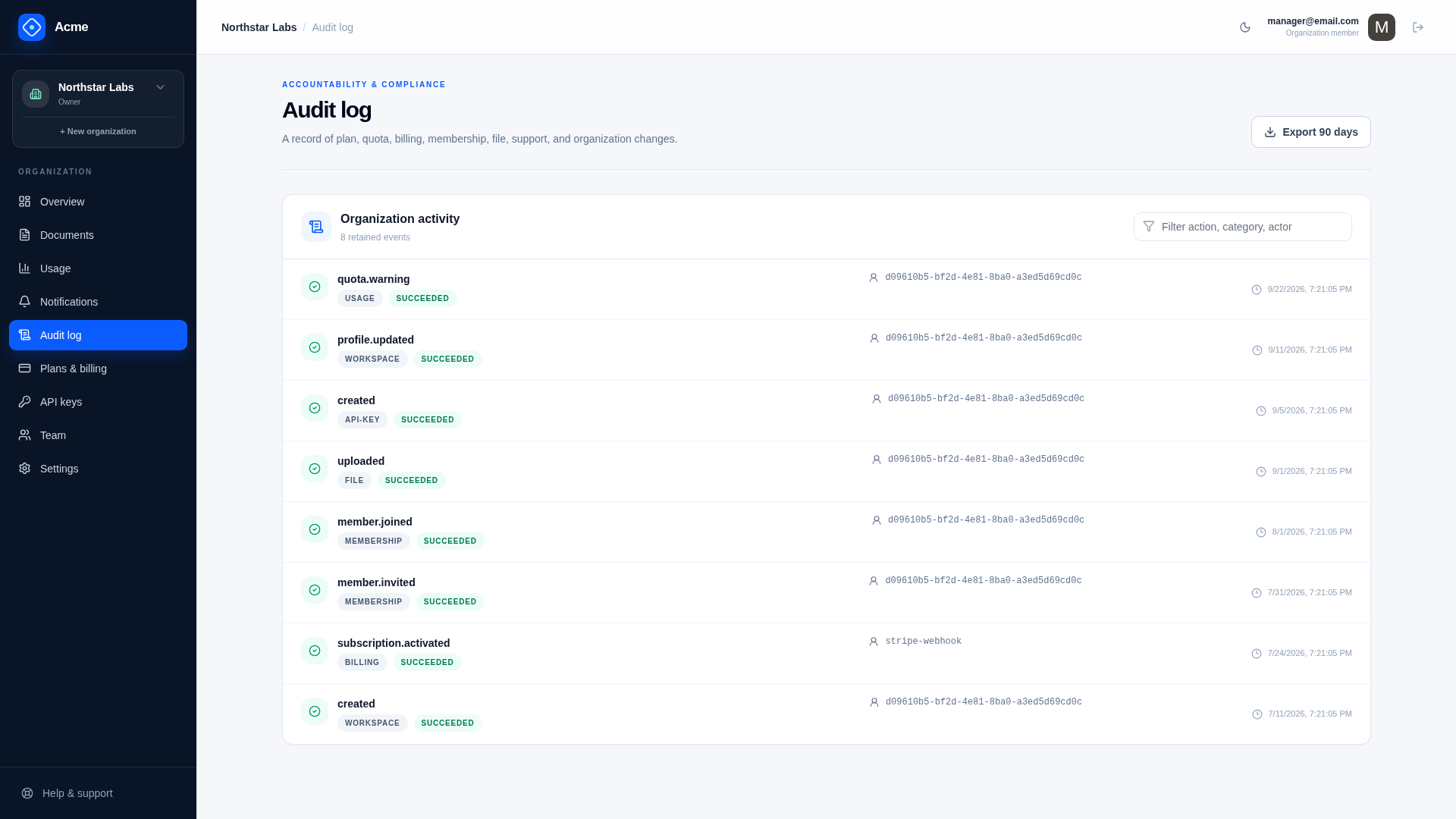
The SaaS audit trail records security, billing, lifecycle, support, and administrative decisions with user and tenant context.
Customer and platform views
| Audience | Routes |
|---|---|
| Organization | GET /saas/audit, GET /saas/audit/export |
| Platform operators | GET /saas/admin/audit, GET /saas/admin/audit/export |
Organization audit access requires the audit.read entitlement. GET /saas/audit returns the newest events first, and pages by the last event seen: pass the Id of the last event as AfterId to get the events after it. The audit log only grows, so this stays fast however far back a customer pages, and events recorded in the meantime do not shift later pages. Platform search supports organization, category, action, outcome, date range, and free text, with authorization enforced by the service.
Organization members use /audit. Platform Admin users search and export the cross-organization audit stream from /admin/security.
Event shape
The audit log is two tables, because a table's rows either all belong to an organization or none do:
| Table | Rows | Organization |
|---|---|---|
SaasAuditEvent | What happened in one organization, by its members, operators, or the system | Required WorkspaceId |
PlatformAuditEvent | What operators did that is not about an organization: plans, coupons, Stripe events | None |
// On a connection confined to an organization, the event gets it
Db.Insert(new SaasAuditEvent { Category = "workspace", Action = "profile.updated", UserId = userId });

Db.Insert(new PlatformAuditEvent { Category = "plan", Action = "version.published", UserId = userId });
An organization's log is an ordinary tenant-owned table, so it is isolated, exported, and retained like every other, and the customer's audit page cannot show another organization's events. SaasAudit rejects an event written to the wrong log. Operators see both in one list, which queries the two tables and merges them.
Both contain category, action, outcome, user, subject, request correlation, network/client context, timestamp, and sanitized metadata. Use registered, stable action names so filters, exports, alerts, and downstream integrations do not depend on prose.
Recording events
Record an event at the point a meaningful decision commits: successful and denied privileged changes, billing transitions, credential management, lifecycle requests, support access, and operator actions. Include enough identifiers to investigate the event without copying entire request bodies.
The audit helper redacts known sensitive keys and credential-like patterns and limits metadata size. Redaction is a backstop, not permission to pass secrets. Never audit passwords, raw API keys, Stripe secrets, invitation tokens, export contents, or uploaded file bytes.
Retention and export
Saas.AuditRetentionDays is the global default; organization retention policy and legal hold can change cleanup behavior. CSV exports apply the same tenant and role filters as the list APIs.
Audit history supports product investigation but is not automatically a regulated write-once ledger. Products with formal immutability requirements should stream events to appropriately controlled external storage.
Adding an audited operation
- choose an existing category or register a deliberate new one;
- use a stable past-tense action;
- record organization, user, subject, outcome, and request ID;
- add only allow-listed, sanitized metadata;
- test success, denial, and cross-tenant behavior;
- include the new event in relevant retention/export reviews.
Verify
Exercise each privileged flow, inspect customer and platform views, export filtered CSV, test redaction with credential-shaped values, verify pagination and tenant isolation, and run retention with and without legal hold.
Related documentation
Notifications
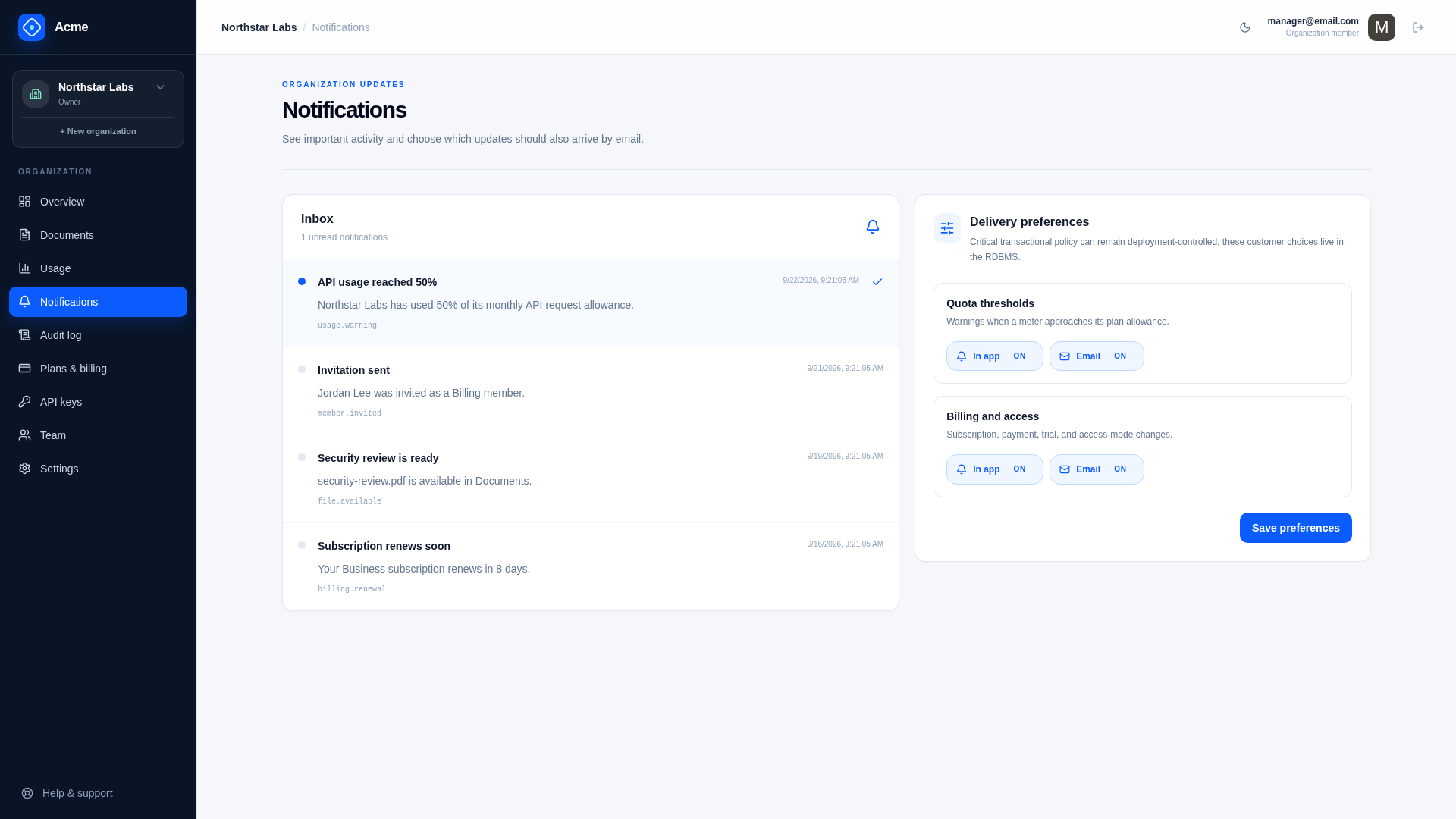
The notification subsystem provides in-app and email delivery, customer preferences, deduplication, retries, and an operator failure queue.
Data lifecycle
Organization lifecycle tools cover portable exports, delayed deletion, cancellation, ownership transfer, member departure, retention overrides, and legal holds.