Organizations and members
Organizations isolate customer data, subscriptions, quotas, files, API keys, settings, and lifecycle operations. One user can belong to several organizations.
User behavior
- Registration offers Personal and Business. Personal creates a private, single-member workspace; Business requires an organization name and starts with an owner membership. The internal account kind for Personal is
Individual. - First SaaS access can still provision an Individual workspace when personal workspaces are enabled.
- Users can create another organization with independent data and billing.
- The application shell switches the organization of its browser tab explicitly, so different tabs can work in different organizations.
- Owners and Admins invite members and manage non-owner roles.
- Personal accounts cannot invite or accept team members; create a Business organization to collaborate.
- New Business organizations start on shared Free with one seat; a multi-seat Business plan is needed before inviting teammates.
- Billing members manage subscription state.
- Ownership transfer is an explicit lifecycle operation.
Models and APIs
Core models are Workspace, WorkspaceMember, and UserWorkspacePreference.
| Operation | API |
|---|---|
| List memberships | GET /saas/workspaces |
| Create organization | POST /saas/organizations |
| Select active organization | POST /saas/workspaces/active |
| Update profile | POST /saas/workspace |
| List members | GET /saas/members |
| Invite | POST /saas/members |
| Resend/revoke/remove/change role | workspace member APIs |
| Accept invitation | POST /saas/invitations/accept |
| Transfer, leave, delete | /saas/lifecycle APIs |
Roles
Owner controls ownership and deletion. Admin manages settings, members, and exports. Billing manages billing. Member uses entitled features. Server-side WorkspaceAuthorization owns these decisions.
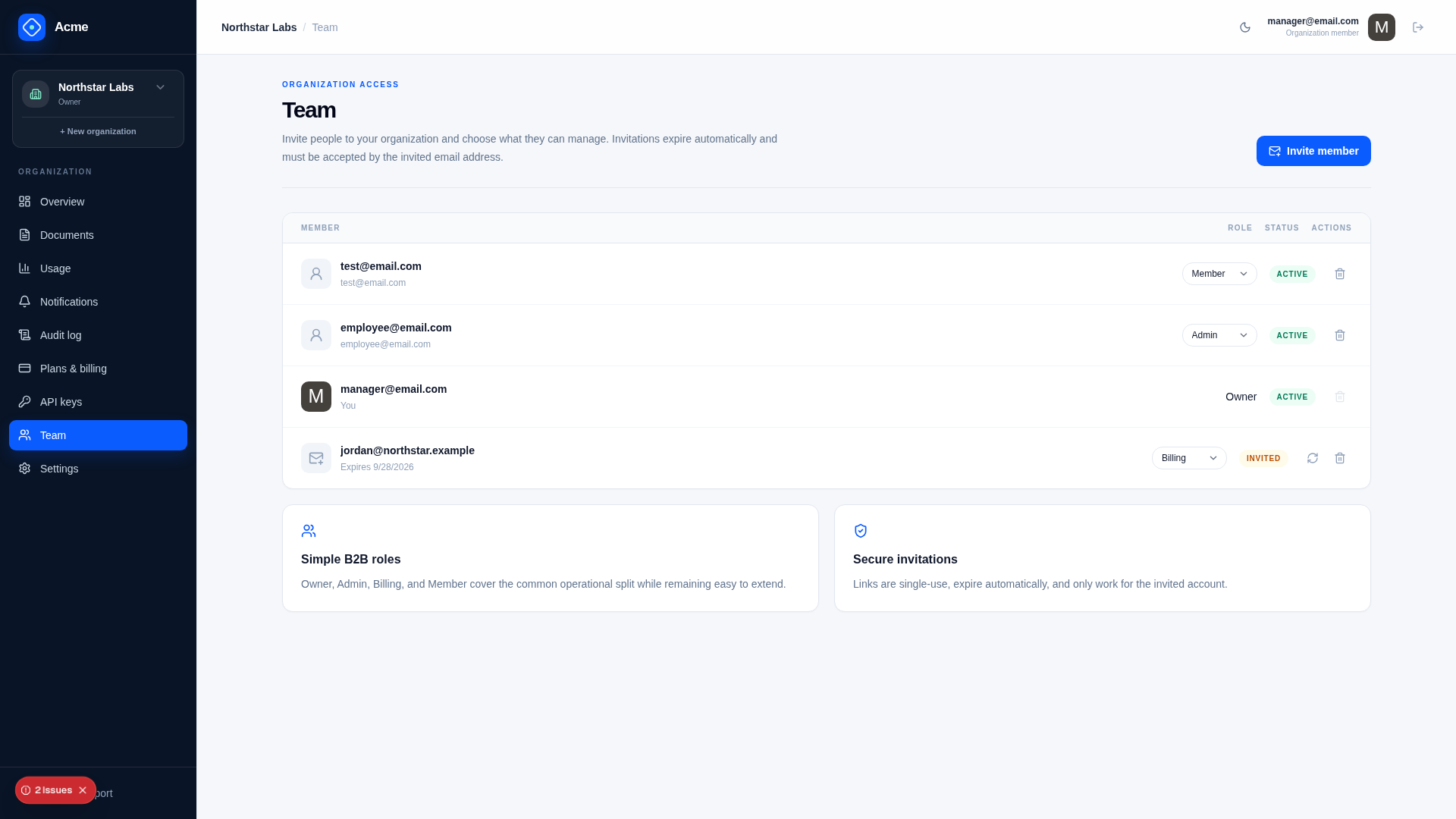
Platform Admin/BillingAdmin/Support roles are separate and do not create customer membership.
Invitations
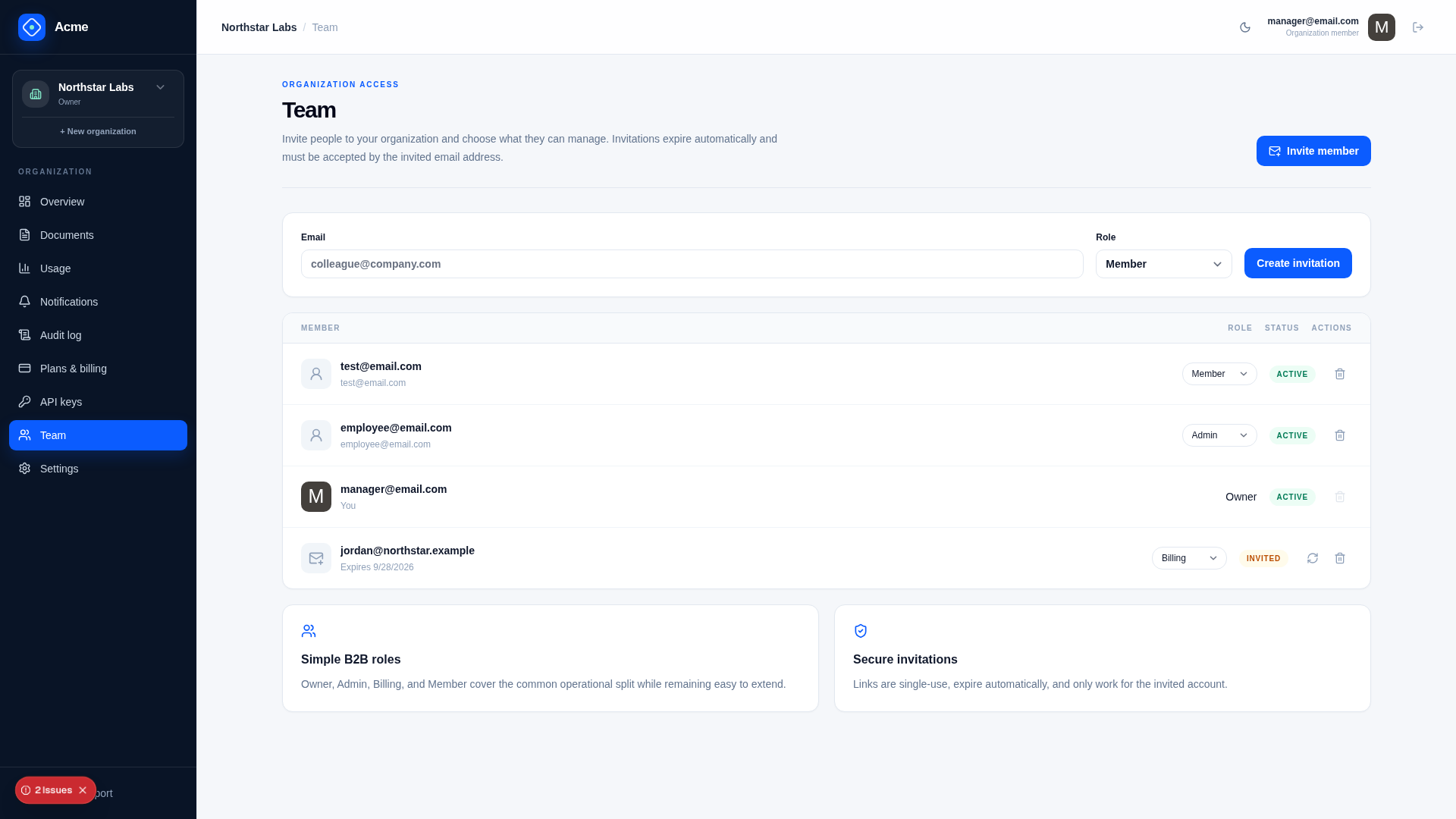
Invitations bind a role and normalized email to a random, one-way-hashed token and expiry. Acceptance requires the authenticated user’s verified email to match. Resend rotates delivery state; revoke or expiry makes the token unusable.
Saas.InvitationExpiryDays is global. Delivery uses the notification system, so production requires working SMTP.
Configuration
Saas.EnablePersonalWorkspaces— provision an Individual workspace when appropriate.Saas.DefaultPlan— initial published plan code.Saas.InvitationExpiryDays— invitation lifetime.Product— deployment-wide brand/contact information, not customer profile data.
Isolation and authorization
Every API for an organization takes its WorkspaceId, and every resource lookup is confined to that organization once the caller is checked to be a member of it. Switching organization reloads the tab's customer state. API keys remain bound to the organization in which they were created and ignore browser selection changes.
Failure modes
- Invite email already belongs to the organization: reject or return existing state.
- Wrong authenticated email accepts token: reject.
- Owner attempts to leave: require ownership transfer.
- Member changes Owner through ordinary role API: reject.
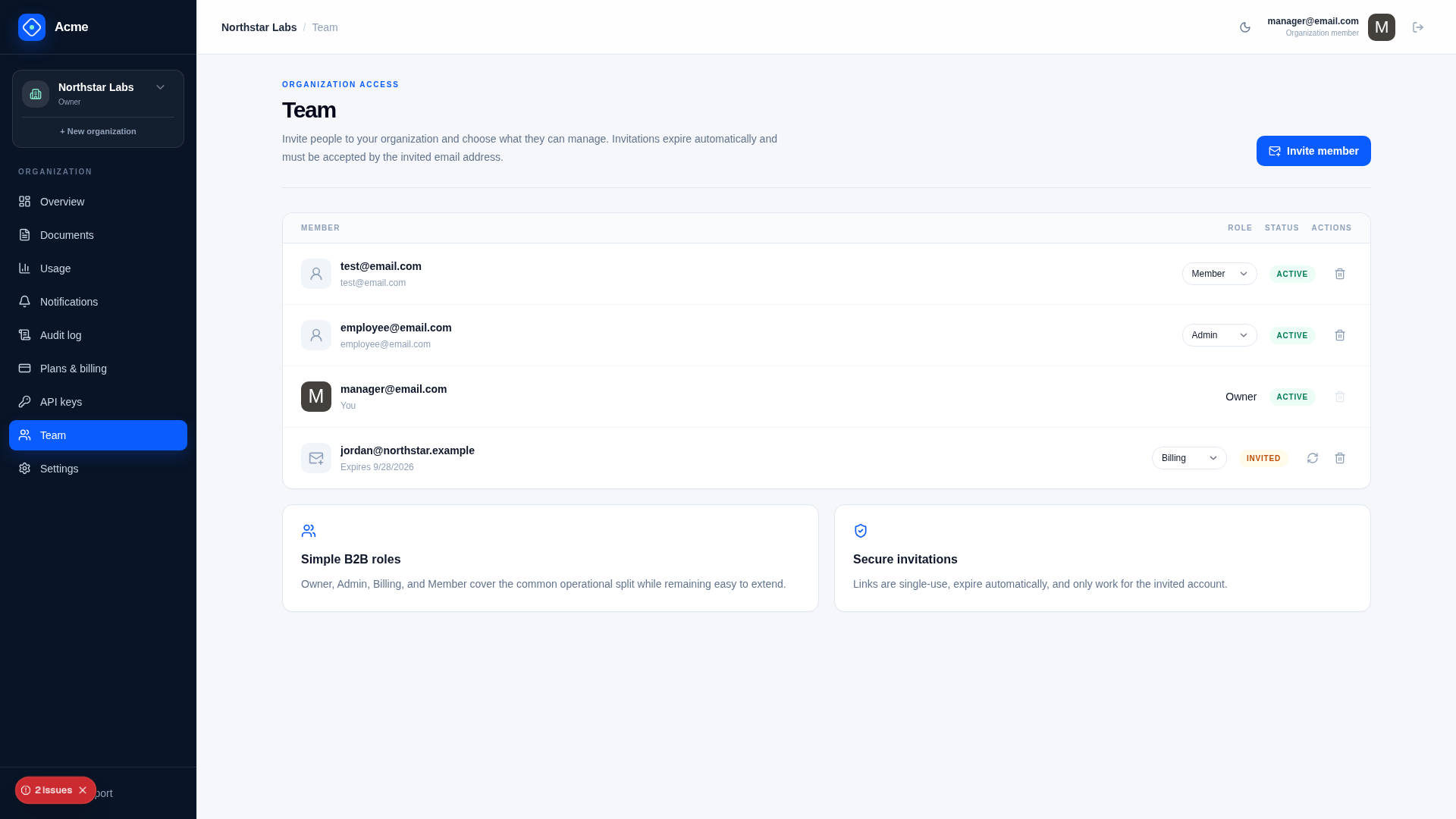
- Deleted/disabled membership accesses data: the membership check when the request's connection opens denies it.
Extension points
Add organization profile fields to the RDBMS, not global JSON. Decide which roles can change each field, add tenant isolation tests, and include customer-owned data in export/deletion policy.
Verify
Create two organizations, switch between them, invite and accept each role, exercise permissions, bind API keys, attempt cross-tenant resource IDs, transfer ownership, and leave safely.