Run the template locally
This page takes a clean checkout to a working development application and explains how to return to a clean state.
Choose your database comes first: it sets
DB_PROVIDER, which selects the database this page starts and the one your deployment uses.
Prerequisites
Install:
- .NET 10 SDK;
- Node.js 24 or a compatible current LTS release;
- npm;
- SQLite CLI for the diagnostic and verification scripts;
- Docker or Podman, when
DB_PROVIDERis PostgreSQL, MySQL, or SQL Server; - Git.
Stripe CLI is optional until the Stripe sandbox step. No database client tools are required:
scripts/dev-db.sh runs the database in a container and ./scripts/dev-db.sh shell opens a
client inside it.
Confirm the local toolchain from the repository root:
./scripts/doctor.shWarnings about Stripe or email are expected for a new local checkout. Errors should be resolved before continuing.
Install dependencies
Install the browser dependencies and the small Node toolchain used by the ASP.NET host:
cd MyApp.Client
npm install

cd ../MyApp
npm install
NuGet packages are restored automatically by dotnet build or dotnet watch.
Start your database
./scripts/dev-db.sh upThis runs the provider named by DB_PROVIDER in .env and writes the local connection back
into that same private file, which the application applies in Development. The source-controlled
MyApp/appsettings.Development.json stays on its SQLite default. For a server provider it
uses the same image, database name, unprivileged login, and initializer scripts the deployment
uses, so the two environments cannot drift. SQLite starts no container and needs no setup.
./scripts/dev-db.sh status shows the provider, container state, and connection target at any
time. Choose your database explains the
full workflow, including configuring the same provider for production.
Start the application
cd MyApp
dotnet watch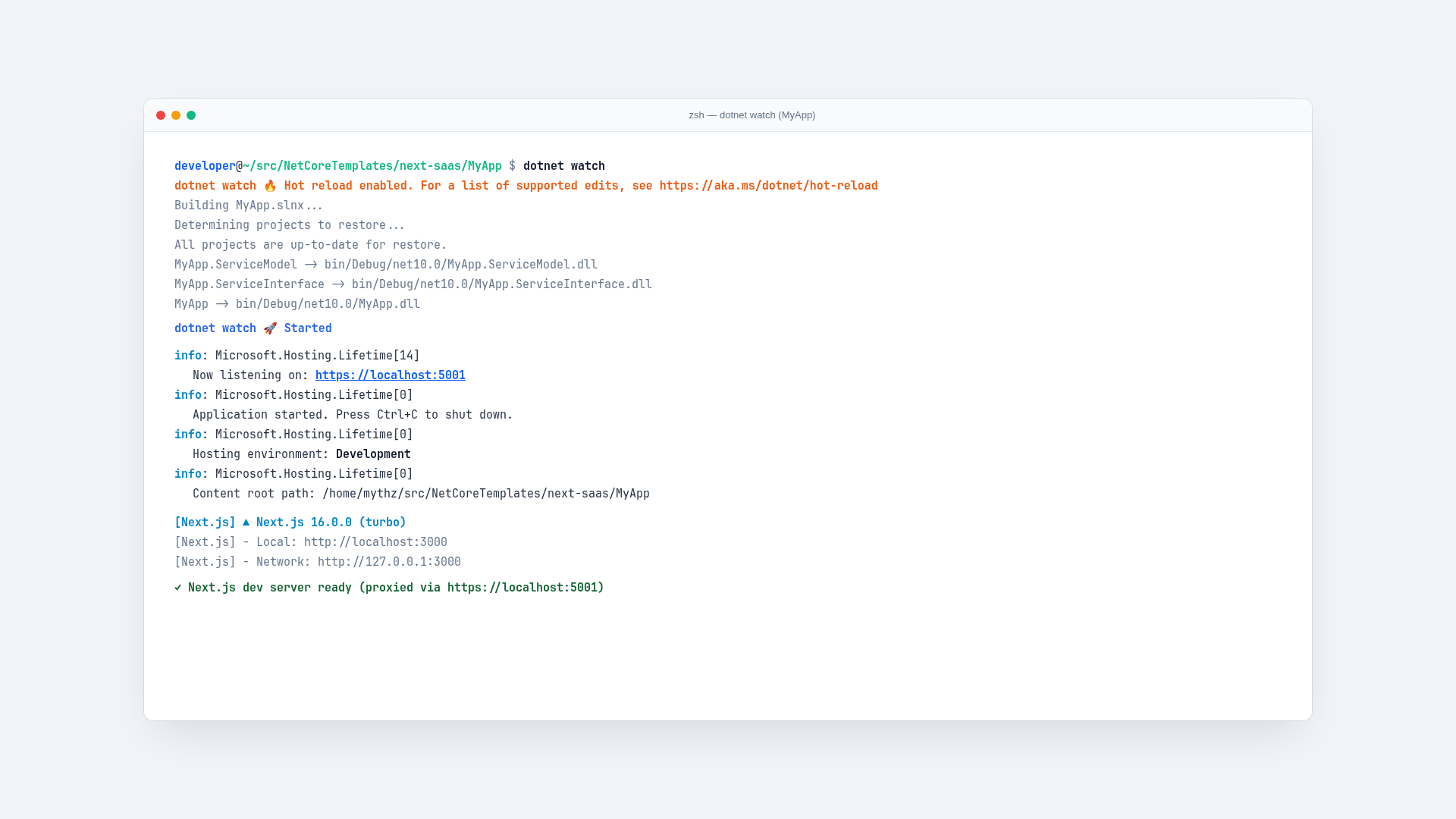
Open https://localhost:5001. ASP.NET Core owns the public origin and starts the Next.js development process automatically. Browser API requests therefore use the same origin as Identity cookies and ServiceStack APIs.
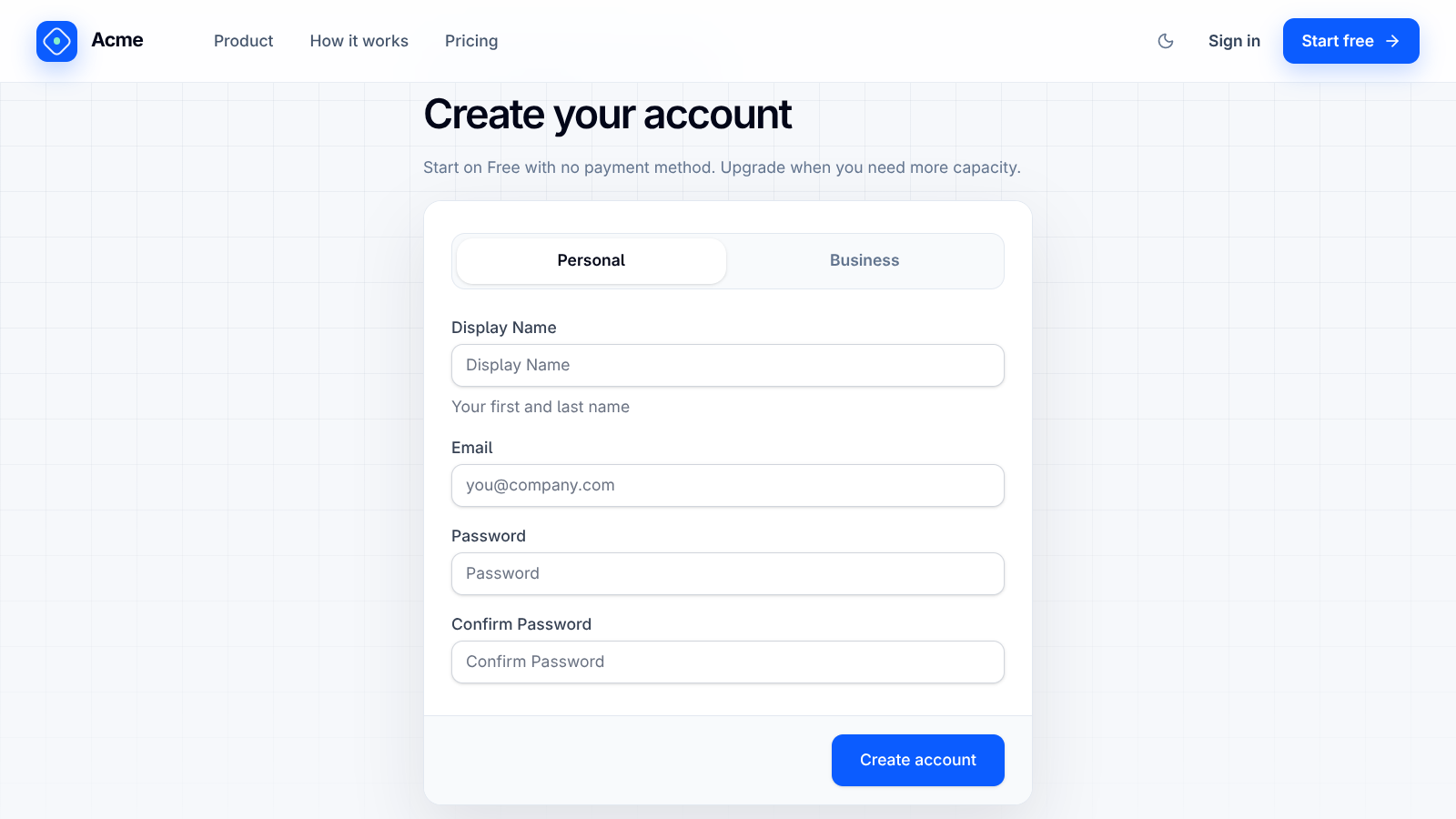
The first Development start with no application database:
- creates the ASP.NET Core Identity schema;
- runs the OrmLite SaaS migrations;
- seeds Free, Personal, Pro, Business, and Enterprise plans;
- creates development users;
- creates an Individual workspace and Free subscription when a seeded user first signs in.
Development accounts
All seeded users use the password p@55wOrd.
| Account | Intended use |
|---|---|
admin@email.com | Full SaaS administration |
billing@email.com | BillingAdmin boundary testing |
support@email.com | Support-access boundary testing |
manager@email.com | Customer owner and team workflows |
employee@email.com | Normal customer membership |
test@email.com | Minimal authenticated flow |
Seed users are created only in Development. Production startup never creates known credentials.
Add example data
Populate the selected local database with a repeatable product-tour dataset:
./scripts/seed-example-data.shThe script creates fifty example organizations, each with a year of history: subscriptions that
start, convert from trials, upgrade, downgrade, fall past due, or cancel, with their invoices and
Stripe events; members who join over time; daily usage by each member within their plan's
allowances; and the platform's daily metrics, including MRR and ARR. It also adds downloadable
example documents, notifications, support notes, audit events, and Operations Center activity. Sign in as manager@email.com for the populated Northstar Labs
customer experience or admin@email.com for the cross-customer operator views.
The task is idempotent, follows the database provider selected by .env, and refuses to run
outside Development. Re-run it whenever the date-relative example data needs refreshing.
Check the application
After signing in, verify:
/dashboardloads the active organization once without repeated API calls;/documentspermits a small supported file upload, and accepts several files at once;/usagedisplays document and storage usage;/settingsdisplays organization lifecycle controls for an Owner;/adminopens the Operations Center foradmin@email.com; its side menu links to the focused/admin/*routes;/upand/readyreturn healthy responses.
API contracts and diagnostic tools are available at /scalar/v1, /ui, and /admin-ui.
Recreate local state
This template is designed to recreate itself from an empty development database. Stop the application, then run:
ASPNETCORE_ENVIRONMENT=Development ./scripts/reset-dev.sh --yesThe script follows whichever provider is running. On SQLite it validates exact paths before removing MyApp/App_Data/app.db; on a server provider it recreates that database's container volume through scripts/dev-db.sh. It always removes MyApp/App_Data/files and then runs the migration task. It refuses to run outside Development or without --yes.
ServiceStack Background Jobs and request logs use separate generated SQLite databases under MyApp/App_Data/jobs and MyApp/App_Data/requests, whichever provider holds application data. They are operational diagnostics rather than billing or enforcement records, they are development artifacts here, and they can also be removed while the application is stopped.
Common setup problems
The HTTPS certificate is not trusted
Trust the ASP.NET Core development certificate:
dotnet dev-certs https --trustPort 5001 or 3000 is already in use
Stop the previous dotnet watch, dotnet run, or Next.js development process before starting another instance.
The schema does not match the code
During template development, recreate the local database with reset-dev.sh. Derived production applications should add a forward migration instead.
The application will not connect to the database
./scripts/doctor.sh reports the effective local provider and warns when it disagrees with DB_PROVIDER, and ./scripts/dev-db.sh status shows whether the local database is running. Choose your database lists the specific startup errors and their causes.
Paid checkout is unavailable
That is expected until Stripe sandbox keys and plan Price IDs are configured in step 6.
Choose your database
The database provider is the first thing to customize, and it is one decision for both environments: DB_PROVIDER selects the database you run locally and the destination that deploys.
Tour the project
The repository is organized so a feature has a predictable path from contract to implementation to UI.