Customize the product
Make the template visibly yours before adding domain behavior. Product identity is deployment-wide configuration; plans and customer exceptions remain database state.
1. Change product configuration
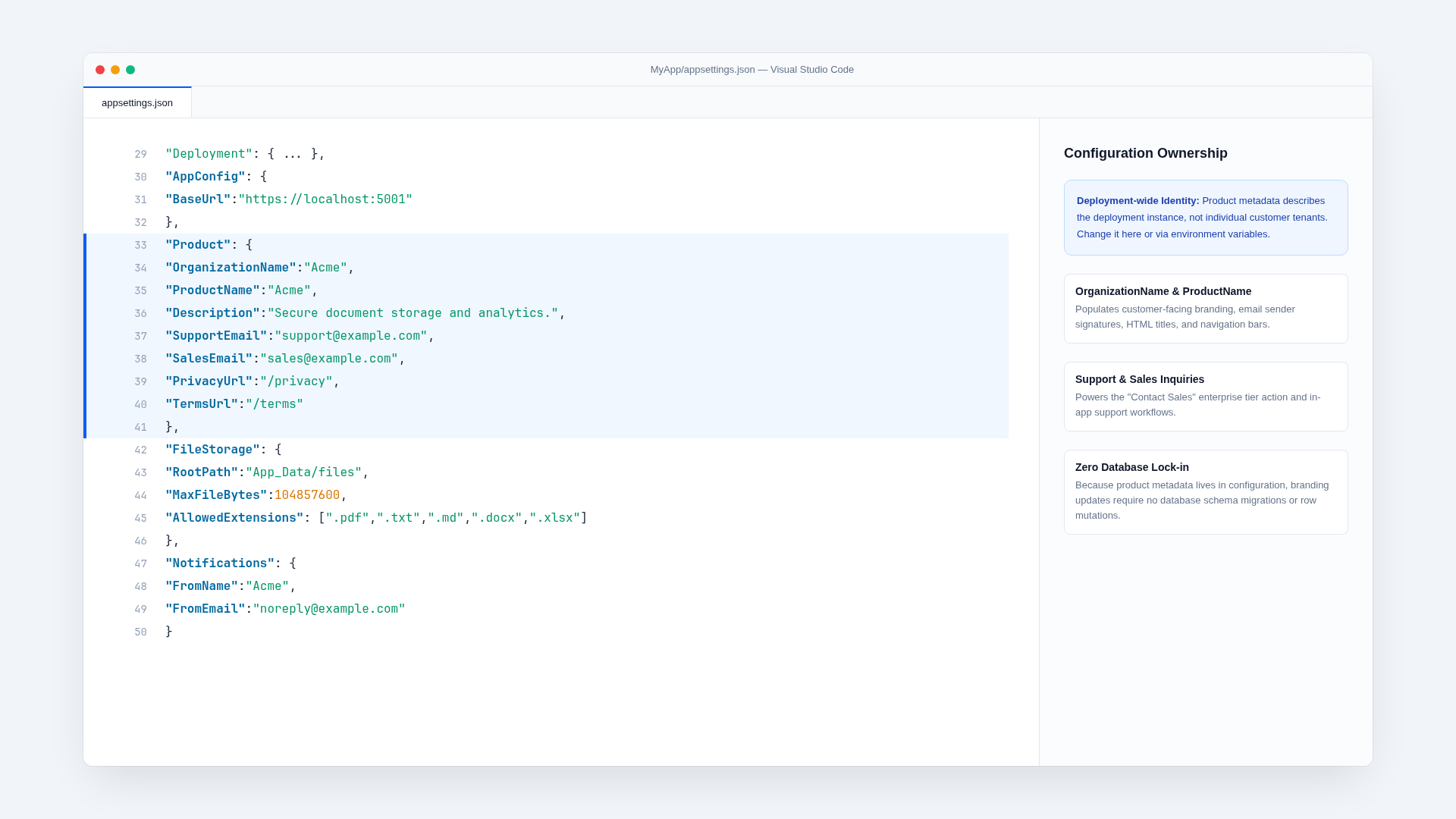
Edit the Product section of MyApp/appsettings.json:
{
  "Product": {
    "OrganizationName": "Example Labs",
    "ProductName": "Example Cloud",
    "Description": "The short product promise.",
    "SupportEmail": "support@example.test",
    "SalesEmail": "sales@example.test",
    "PrivacyUrl": "/privacy",
    "TermsUrl": "/terms"
  }
}
Use environment variables for deployment-specific values:
Product__SupportEmail=support@your-domain.com
Product__SalesEmail=sales@your-domain.com
Do not put a product name or support address in customer records. These values describe the whole deployment.
2. Update public content
The primary public UI lives in:
MyApp.Client/app/page.tsx— landing page composition;MyApp.Client/components/nav.tsx— public navigation;MyApp.Client/components/footer.tsx— footer navigation;MyApp.Client/components/intro.tsx— landing content;MyApp.Client/app/pricing/page.tsx— public plan comparison.
Footer content pages are Markdown files beneath MyApp.Client/app/(content). Edit the existing page.md, or copy a route directory and add its link to components/footer.tsx. The shared content layout supplies responsive typography, navigation, footer, and dark mode.
Search for remaining example language before finishing:
rg -n "Acme|document|storage" MyApp MyApp.Client MyApp.ServiceInterface MyApp.ServiceModel \
  -g '*.cs' -g '*.cshtml' -g '*.tsx' -g '*.ts' -g '*.json' -g '*.md'
Keep intentional infrastructure names such as Workspace, StoredFile, and database migrations unless your replacement domain makes them misleading.
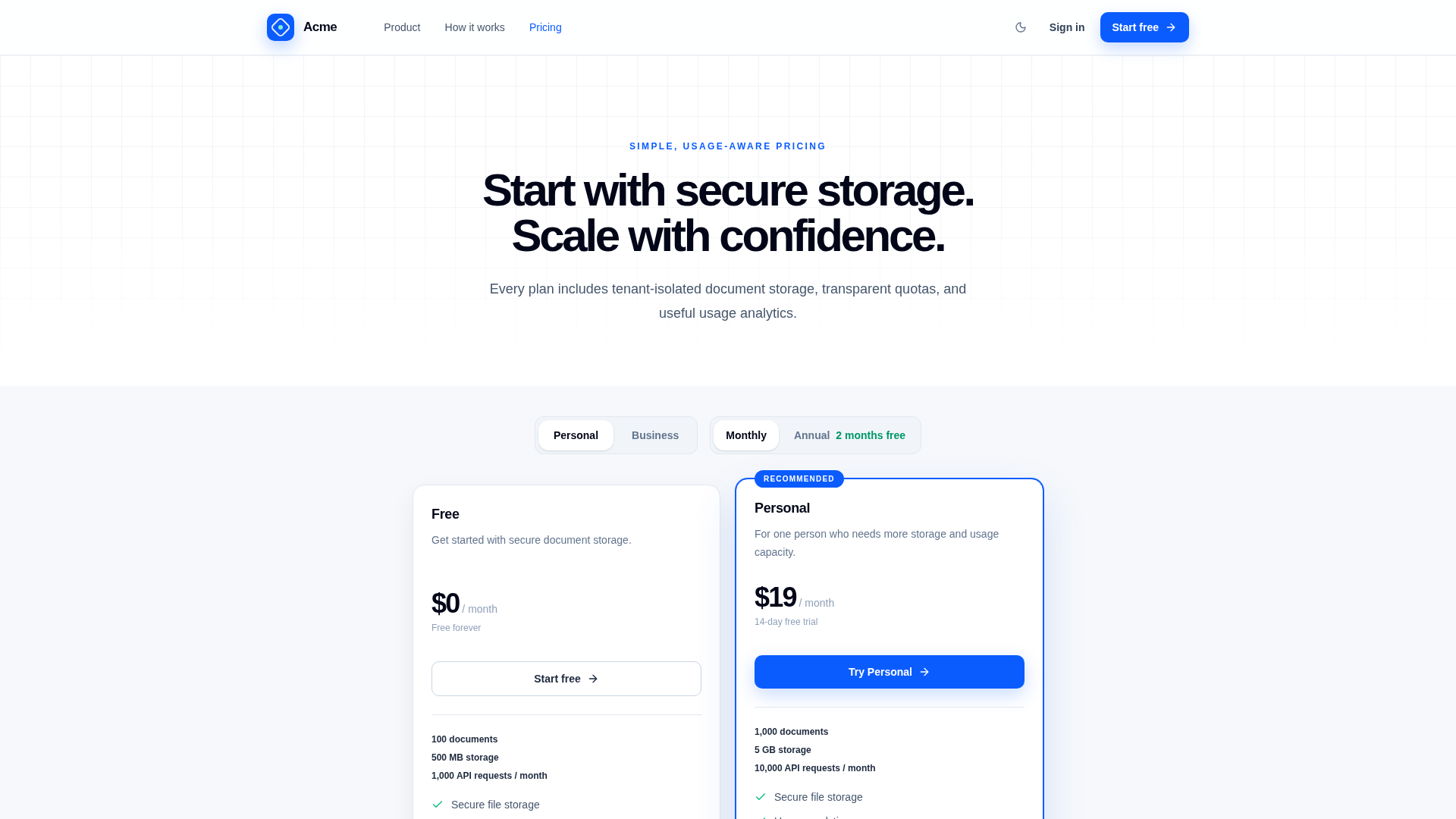
3. Adjust the visual identity
Shared application styling is concentrated in:
MyApp.Client/styles/index.css;MyApp.Client/components/brand.tsx— the product mark used by the public navigation, footer, and application shell;MyApp.Client/components/app-shell.tsx;MyApp.Client/components/layout-page.tsx;MyApp/Pages/SharedandMyApp/Areas/Identity/Pages/_IdentityLayout.cshtmlfor Razor/Identity pages;MyApp/wwwroot/css/app.cssfor generated server-side styles.
Change the logo treatment, colors, typography, and imagery as a coherent system. Check the public site, authenticated application, Identity pages, modal overlays, tables, empty states, and dark mode. Avoid introducing a separate visual system for administration or account pages.
If server-rendered Razor markup uses Tailwind utility classes, ensure its source is included by the Tailwind build. Rebuild the server UI after changing Razor styles:
cd MyApp
npm run ui:build
4. Define global features and meters
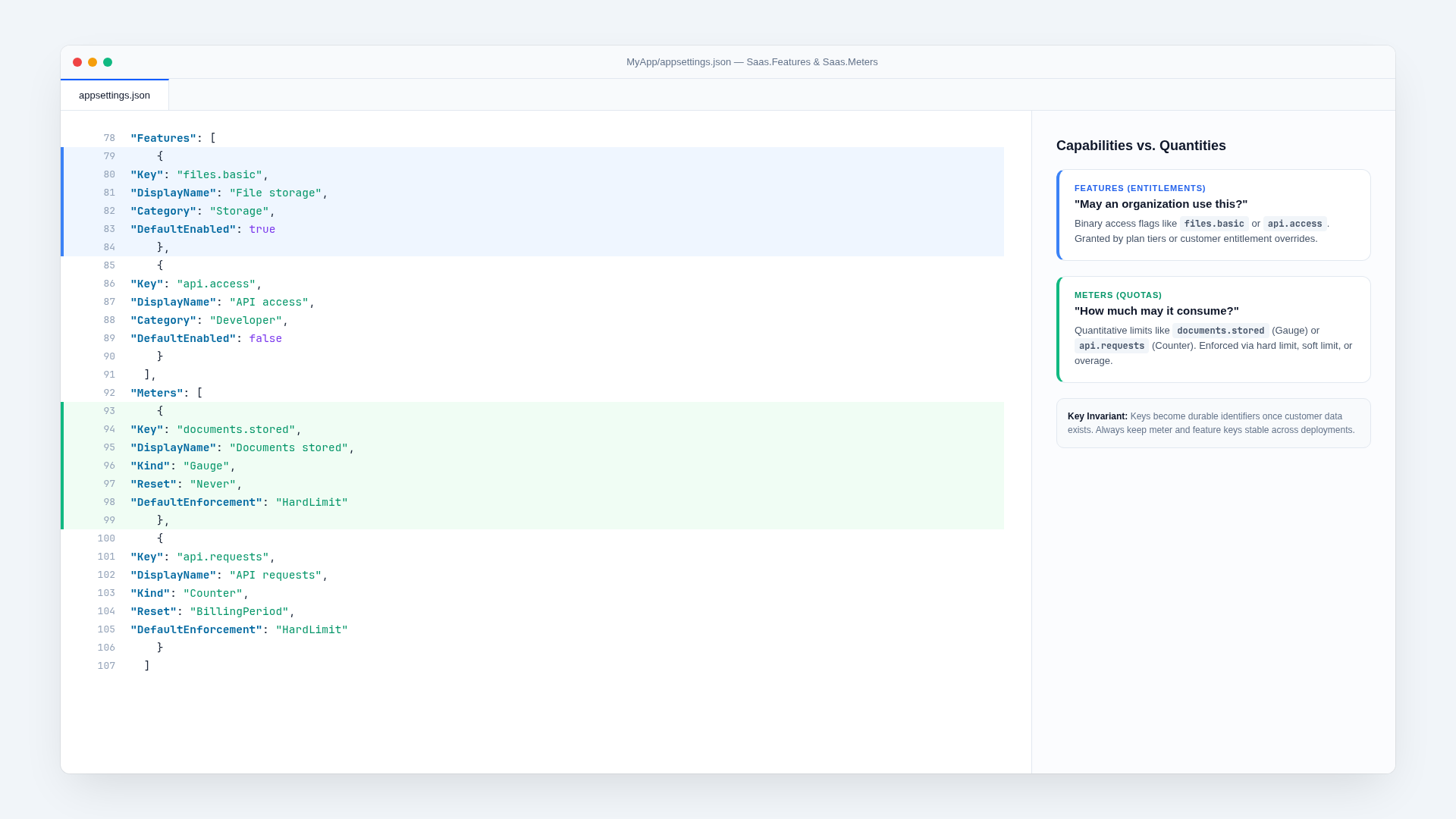
Global definitions live under Saas.Features and Saas.Meters in MyApp/appsettings.json. They establish stable keys and default behavior; they do not replace plan records.
A feature controls access to a capability:
{
  "Key": "reports.export",
  "DisplayName": "Report exports",
  "Description": "Export customer reports.",
  "Category": "Reporting",
  "DefaultEnabled": false
}
A meter describes measurable consumption:
{
  "Key": "reports.generated",
  "DisplayName": "Reports generated",
  "UnitName": "report",
  "Kind": "Counter",
  "Reset": "BillingPeriod",
  "Aggregation": "Sum",
  "DefaultEnforcement": "HardLimit"
}
Treat keys as public identifiers once customer data exists. Rename display text freely; migrate keys deliberately.
5. Customize the initial plan catalog
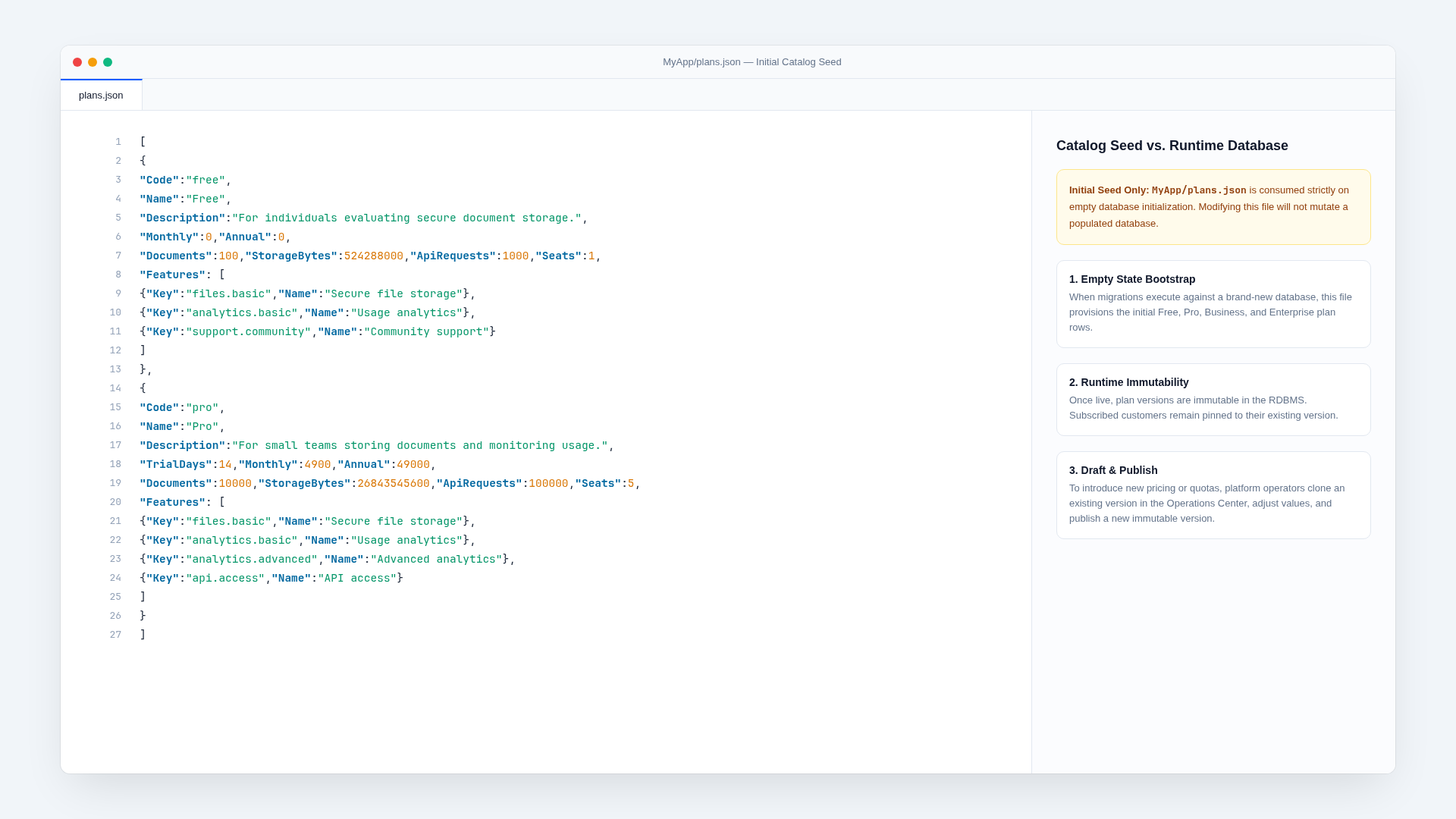
MyApp/plans.json seeds a clean database. Prices are integer minor currency units: 4900 means USD 49.00 when the currency has two decimal places.
For each plan, choose:
- a stable
Code; - public name, description, and order;
- optional
TrialDays; - monthly and annual seed prices;
- included feature keys;
- quota allowances;
- whether it is a contact-sales plan.
After editing seed plans during template development, recreate local state:
ASPNETCORE_ENVIRONMENT=Development ./scripts/reset-dev.sh --yesAfter launch, manage plan changes from the Plans tab at /admin/plans. Publishing creates a new immutable version; existing subscriptions remain pinned until a deliberate migration or customer plan change.
6. Replace the example module
The document module spans:
FileStorageServices.csand storage abstractions;- file DTOs and models in
SaasPlatform.cs; /documentsand dashboard UI;files.basic,documents.stored,documents.uploaded, andstorage.bytesdefinitions;- file deletion, export, usage, audit, and tests.
Either keep it as a working example or replace it consistently. Do not remove a table or meter from only one layer. Update features.json, navigation, plan seeds, lifecycle export/deletion behavior, analytics, and tests together.
7. Verify the rebrand
./scripts/verify.shThen manually check responsive public, authenticated, Identity, and admin pages. Confirm emails, download filenames, audit language, Stripe product names, and browser metadata use the intended brand.
Tour the project
The repository is organized so a feature has a predictable path from contract to implementation to UI.
Add a metered feature
This walkthrough adds a hypothetical reports.generate feature limited by a reports.generated billing-period counter. It demonstrates the template’s preferred end-to-end pattern; adapt the names to your product.