Add a feature gate
A feature key represents a stable product capability. Plans and customer overrides decide whether an organization receives it.
Development recipes · Plans and entitlements
1. Register the feature
Add the key to Saas.Features in MyApp/appsettings.json:
{
  "Key": "widgets.basic",
  "DisplayName": "Widgets",
  "Description": "Create and manage widgets.",
  "Category": "Product",
  "DefaultEnabled": false
}
Keys are durable identifiers. Prefer area.capability, use lowercase, and do not rename a published key without a data migration.
DefaultEnabled is the final global fallback, not a substitute for assigning the feature to published plans.
2. Grant it to plan versions
For a new empty-state template, add the feature to appropriate entries in MyApp/plans.json and recreate development data. In an existing installation, create or edit a plan draft from the Plans tab at /admin/plans, add the feature, and publish the new version.
Existing subscriptions remain pinned to their prior immutable plan version. Decide explicitly whether they should be migrated or receive an audited customer override.
3. Enforce it on the server
Add the declarative attribute to each protected request DTO:
[ValidateIsAuthenticated]
[RequiresFeature("widgets.basic")]
[Route("/saas/widgets", "GET")]
public class QueryWidgets : IGet, IReturn<QueryWidgetsResponse> { }
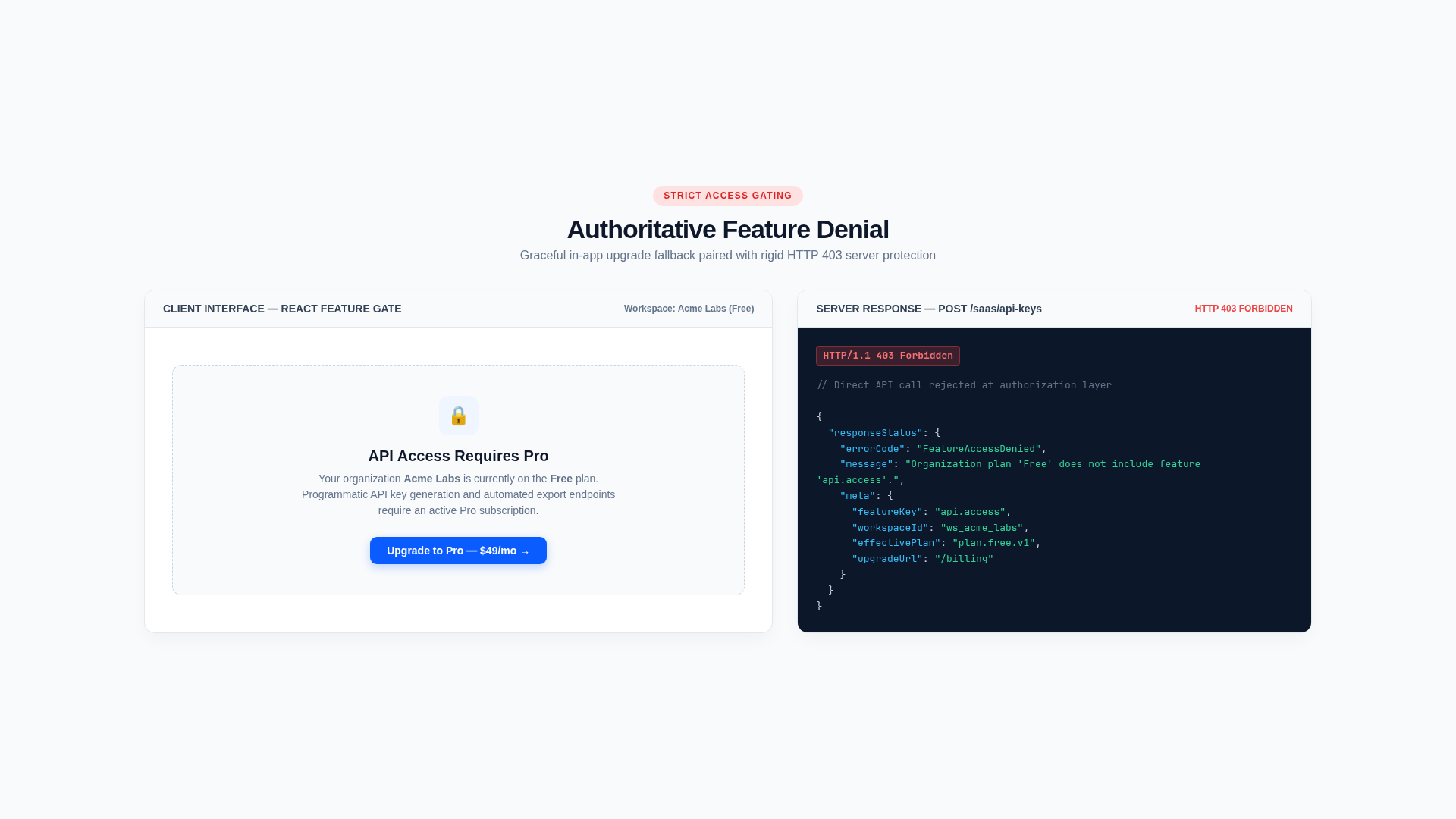
Configure.Saas.cs checks the feature against the local subscription projection of the organization the request is for, before the service runs. The Request DTO implements IRequireWorkspace to say which organization that is. Missing access returns HTTP 403 with FeatureNotEntitled.
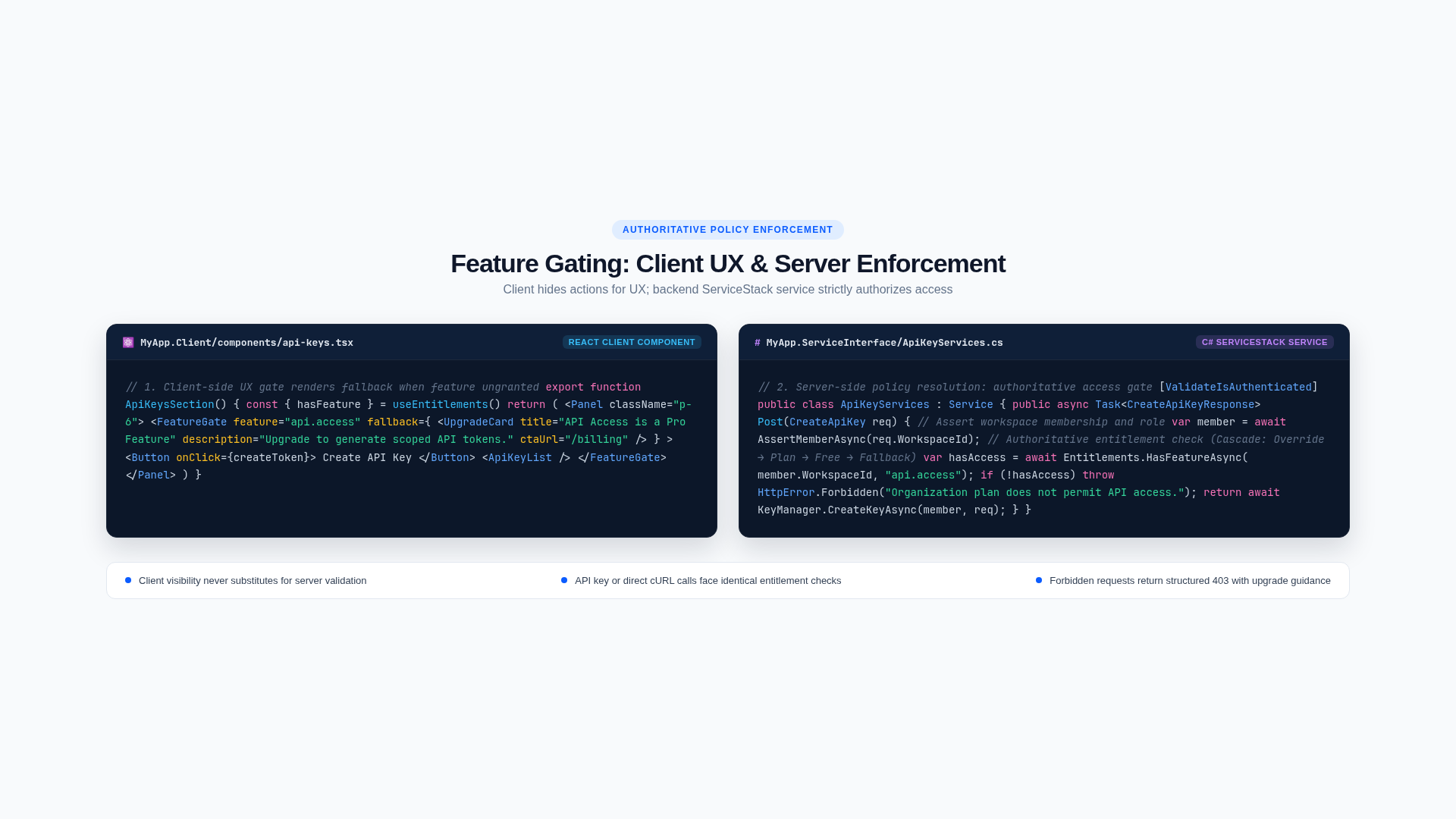
The DTO attribute is the primary boundary. UI hiding improves usability but is not authorization.
4. Explain it in the frontend
Use effective entitlements from the dashboard with FeatureGate:
<FeatureGate feature="widgets.basic" entitlements={data?.entitlements}>
  <WidgetPanel />
</FeatureGate>
For navigation, either hide unavailable destinations or show an upgrade affordance consistently. Handle a server-side 403 because entitlement state can change after the page loads.
5. Verify
Test a plan that grants the feature, a plan that does not, an enabled and disabled customer override, an expired override, Free fallback, and an API-key call. Confirm the frontend state and server response agree.